
- Email yeldocollegesmd@gmail.com
- CALL +91 98461 10506 +91 98468 77776
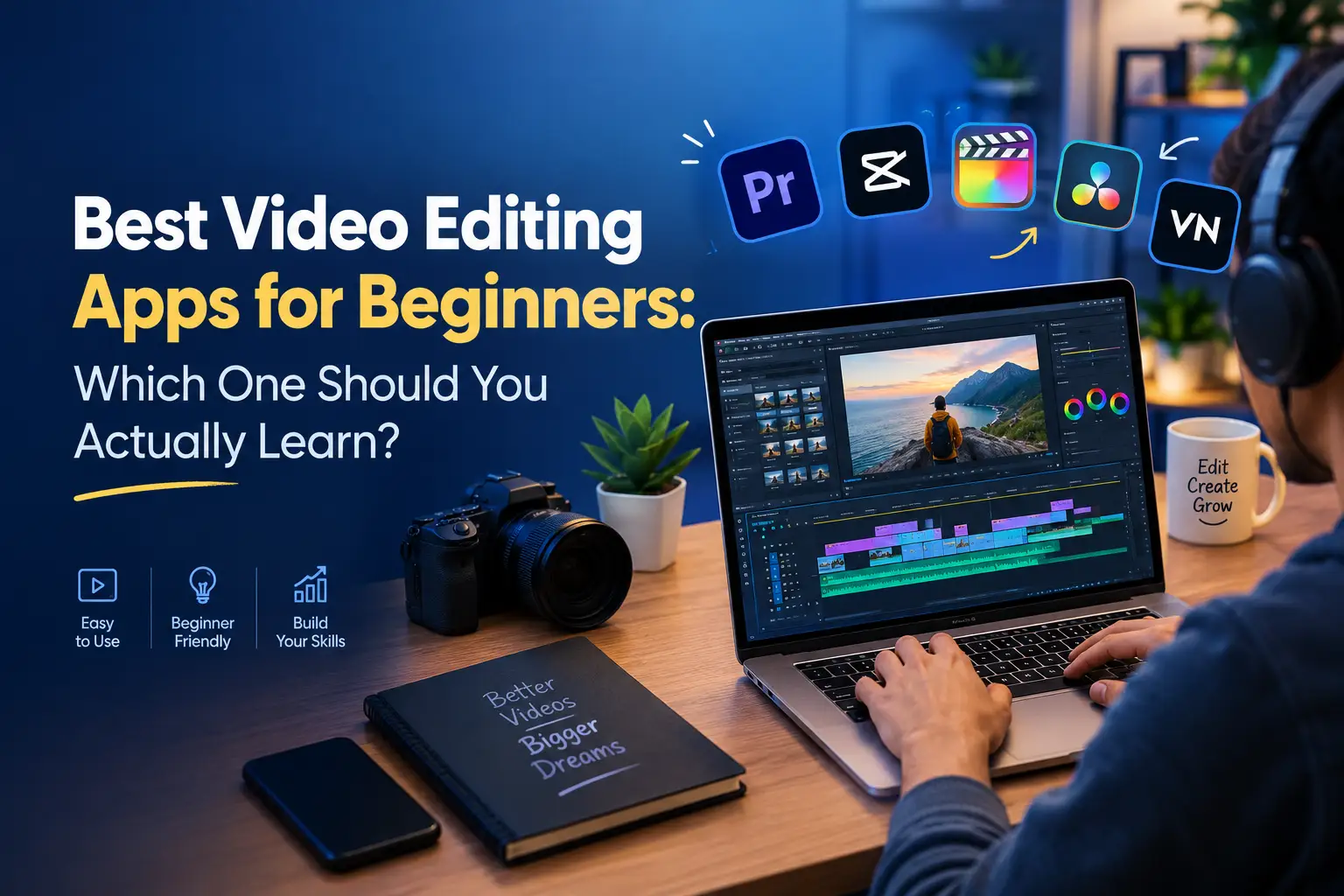
Choosing the best video editing app can be confusing for beginners. CapCut, DaVinci Resolve, Premiere Pro and iMovie each offer different workflows, features and learning curves. The right choice depends less on which app is considered “best” and more on what you want to create, the device you use and the editing skills you want to develop.
Choose an editor based on the type of videos you want to create.
Different editors suit different workflows.
CapCut is particularly useful for short-form content and social media editing. Its templates, auto captions, effects and AI-assisted tools can help beginners create and refine videos quickly.
DaVinci Resolve combines video editing, colour correction and grading, visual effects, motion graphics and audio tools in one application. Its free version provides a substantial set of editing and post-production tools, while DaVinci Resolve Studio adds additional features.
Adobe Premiere Pro is built for detailed video editing workflows, with extensive tools for timeline editing, audio, effects, colour and professional post-production.
For Apple users, iMovie provides a straightforward starting point for learning basic cutting, transitions, titles and visual storytelling. There is no universal winner. The best choice depends on your device, project type, budget and learning goals.
An easy video editor free of complicated controls can be useful, but simplicity should not become the only goal.
Templates and automatic tools can help you create content quickly. However, beginners should also learn:
Good editing comes from decisions, not simply knowing where every button is.
A strong learning path starts with fundamentals.
Learn importing footage, organising media, cutting clips, video trimming, timeline editing and basic transitions.
Practise shot selection, sequence structure, rhythm, timing and continuity.
Learn voice levels, music, sound effects, noise reduction and basic sound mixing.
Move into colour correction, colour grading, titles, captions and basic motion graphics.
After mastering the fundamentals, one should look into such concepts as visual effects (VFX), keyframes, advanced compositing, and colour grading. These concepts are still relevant despite software changes.
Before purchasing video editing software, ask:
DaVinci Resolve is just one of the examples of software that has paid and free versions. A beginner would first understand the workflow before investing in additional capabilities.
Mobile editing makes sense if you primarily create Reels, Shorts or quick social media content. Desktop editing becomes more useful when projects become longer, footage increases or you need multiple tracks, detailed audio control and advanced colour workflows. Mobile editing is not automatically unprofessional. The device determines the workflow, not the quality of your creative thinking.
The choice of changing the editing program should not necessarily be based on the fact that it is being used by professionals. Make this change if the editor you have now stands in the way of your creative goals.
Signs include:
A possible progression is beginner editor → stronger timeline skills → professional software → specialised VFX or motion workflow.
AI-supported video editing will make it easier to perform operations like captioning, removal of backgrounds, object selection, editing based on text, reframing, and noise reduction. However, AI can automate parts of the editing workflow, but human decisions still remain important in areas such as storytelling, shot selection, pacing and creative direction. Editors should still understand such elements of film as the story structure, rhythm, the audience, choosing shots, and continuity of audio and visuals.
Choose according to your career direction.
Social media/content creation: Prioritise speed, captions, templates and short-form workflows.
Professional post-production: Develop deeper skills in timeline editing, colour, audio and effects.
Animation/VFX: Build editing knowledge alongside motion graphics and VFX skills. Students interested in this field can also explore BA Animation and Visual Effects courses in Kerala where video editing can complement animation and VFX skills.
Beginners often download several apps and spend more time comparing them than actually editing.
Instead, master the fundamentals:
Once these skills become familiar, moving between editors becomes much easier. The goal is not to know every video editor. The goal is to become a better editor.
Software is only one part of becoming an editor. Students also need storytelling, shot composition, editing theory, audio, colour, visual communication, practice, feedback and portfolio development.
A structured Video Editing college in Ernakulam can provide a guided learning environment where students practise editing fundamentals, receive feedback and work on practical projects rather than learning software controls in isolation.
When it comes to selecting the best video editing apps, there is no one right answer. While students learning long-term video editing abilities might select powerful desktop video editing software, mobile creators might favor simplicity and quickness. While DaVinci Resolve provides a robust free desktop path, Apple users can start with iMovie. Premiere Pro may be used in professional workflows.The goal is not to create an assortment of apps but to master the art of editing. Ready to build real-world video editing skills? Explore video editing courses at Yeldo Mar Baselios College and start your journey towards a creative career
It is dependent on various factors such as the device that you are using, the nature of your project, cost, and goals. Programs like CapCut, DaVinci Resolve, and iMovie all offer multiple starting options for different variables.
For short-form content in particular, basic mobile-first editors are typically simpler to begin with.
Make a decision based on your objectives. While DaVinci Resolve offers more extensive desktop editing capabilities, CapCut can be used for short social media material.
Yes. Because of the easy-to-use editing tools, it becomes easier for beginners to use them, who might later explore other features.
While desktop computers provide more flexibility for extensive work, mobile phones can be used for shorter assignments.
No. Having proficiency in the basics of one editor is better than using different editors all the time.
While some jobs may be handled by AI, the skills of creative storytelling, pace, choice of shots, and editing decisions are still crucial.
Tags: Best Video Editing Apps, Video Editing Apps for Beginners, Video Editing Software, Video Editing for Beginners, CapCut, DaVinci Resolve, Video Editing Skills, AI Video Editing
October 28, 2026
October 28, 2026
October 28, 2026
October 27, 2026
October 27, 2026
October 27, 2026
October 27, 2026
October 26, 2026
September 22, 2026
September 22, 2026
September 22, 2026
September 22, 2026
September 21, 2026
September 21, 2026
September 21, 2026
September 21, 2026
September 07, 2026
September 07, 2026
August 29, 2026
August 29, 2026
August 28, 2026
August 28, 2026
August 28, 2026
August 28, 2026
July 27, 2026
July 27, 2026
July 27, 2026
July 27, 2026
July 25, 2026
July 25, 2026