
- Email yeldocollegesmd@gmail.com
- CALL +91 98461 10506 +91 98468 77776
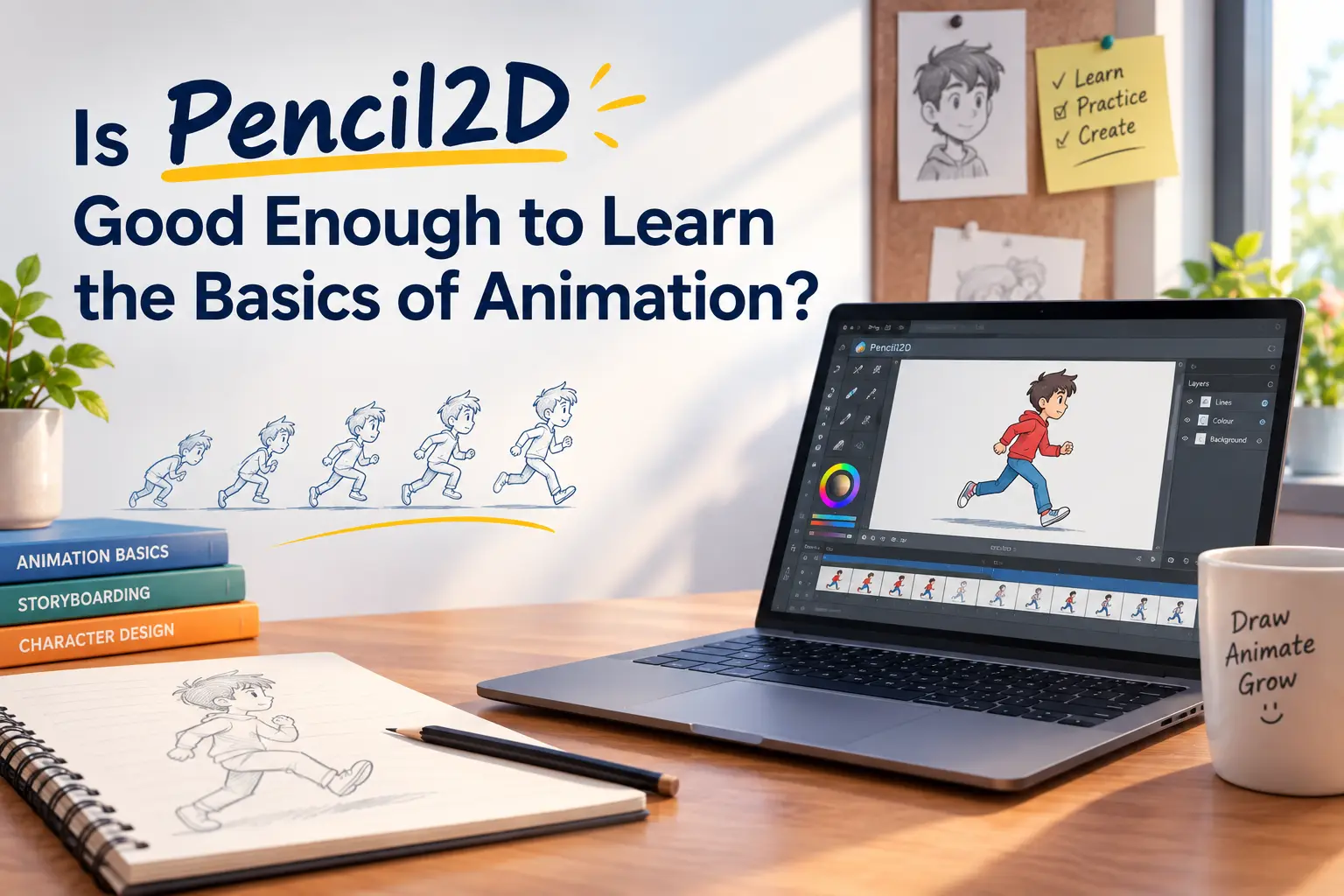
Pencil2D is free, open-source software designed for creating traditional hand-drawn 2D animations. It can help learners practise frame-by-frame animation, timing, spacing, and movement. This makes it a useful starting point for beginners learning 2D animation techniques.
However, the software does not teach how to animate.
This article explains what beginners can learn with Pencil2D, where the software has limitations, and which exercises can help build fundamental animation skills.
The Pencil2D software creates a simple framework where learners can understand frame-by-frame animation. The software is easy for beginners to learn the process of:
Pencil2D's timeline helps organise animation frames, while onion skinning lets users view previous or upcoming drawings while creating an animation.
Using software and understanding animation are two different skills.
Software operation includes:
Animation knowledge includes:
Pencil2D allows for practice of these concepts but should not be considered a substitute for learning them. The optimal outcomes can be achieved by integrating Pencil2D animation and studying animation principles.
Practical exercises are one of the best ways to understand how 2D animation software works.
These exercises help beginners gradually move from simple objects to character animation.
Pencil2D's simple toolset can be useful for learning the fundamentals of hand-drawn animation. However, its relatively focused workflow may become limiting when a project requires more complex production capabilities or a broader production pipeline.
You may find it limiting when you require:
You can keep using Pencil2D while you learn the basics, making little exercises, or figuring out if animation is something that interests you.
There are other tools to consider in case of:
• Projects that require advanced character-rigging workflows.
• Projects that require more complex compositing.
• Production workflows that need more advanced camera controls.
• A decision to move into 3D animation.
• Larger or more complex animation projects.
The appropriate moment to stop using this application depends on the demands of your projects, not on your skill level.
Yes. Pencil2D can help aspiring animators practise fundamental skills before moving to more advanced professional workflows.
Important skills include:
Software interfaces may change, but these core animation concepts remain valuable across different platforms.
A realistic way of learning can be done using this process:
Step 1: Learn about animation techniques.
↓
Step 2: Practice frame-by-frame animations using Pencil2D.
↓
Step 3: Learn about character, animation and storytelling techniques
↓
Step 4: Learn about digital animation workflow
↓
Step 5: Create portfolios
For those who are seeking an educational institution to guide them, there is also an option like 2D Animation College in Ernakulam.
Pencil2D becomes more useful when combined with foundational animation and visual-development skills. Beginners should also learn:
A 2D animation course in Kerala for beginners can assist in gaining these skills effectively.
Yes. Pencil2D can be a useful tool for beginners who want to learn frame-by-frame animation.It will allow them to understand concepts such as key frames, timing, spacing, onion skinning and movement.
Nevertheless, it must be noted that Pencil2D is a tool, not an art of animation itself. Newbies need to use it alongside studying animation principles and techniques.
Pencil2D can be a practical starting point for beginners who want to learn frame-by-frame animation. Its relatively simple interface can allow beginners to focus on drawing and frame-by-frame movement before taking on more complex production workflows. As your projects become more complex, you may choose to explore software with broader production capabilities.
The key is to use Pencil2D to build foundational skills and choose additional tools as your learning and production goals develop. To become a professional animator, check out some good 2D animation courses in Kerala.If you want to build your animation fundamentals through structured education and practical projects, explore the 2D animation course at Yeldo Mar Baselios College.
Yes. Pencil2D provides an easy environment where beginners can learn frame-by-frame animation and practise basic animation skills.
Pencil2D lets you practise concepts such as timing, spacing, squash and stretch, anticipation, and arcs. However, the software itself does not teach all 12 principles; beginners should study the principles separately and use Pencil2D to practise them. However, one should understand the principles separately as well.
Yes. Pencil2D is a traditional hand-drawn animation software that creates an environment for working with animation frames.
Pencil2D can help you develop fundamental animation skills, but becoming a professional animator requires more than learning one software application. You also need strong knowledge of animation principles, drawing, storytelling, character performance, visual communication, and production workflows.
Tags: Pencil2D, Pencil2D animation, Pencil2D software, Pencil2D animation software, Pencil2D for beginners, 2D animation software, 2D animation for beginners, frame by frame animation, hand drawn animation software, animation principles

October 28, 2026

October 28, 2026
October 28, 2026
October 27, 2026

October 27, 2026
October 27, 2026
October 27, 2026

October 26, 2026
September 22, 2026
September 22, 2026
September 22, 2026
September 22, 2026
September 21, 2026
September 21, 2026
September 21, 2026

September 21, 2026
September 07, 2026
September 07, 2026
August 29, 2026
August 29, 2026
August 28, 2026
August 28, 2026
August 28, 2026
August 28, 2026
July 27, 2026
July 27, 2026
July 27, 2026
July 27, 2026

July 25, 2026
July 25, 2026