
- Email yeldocollegesmd@gmail.com
- CALL +91 98461 10506 +91 98468 77776
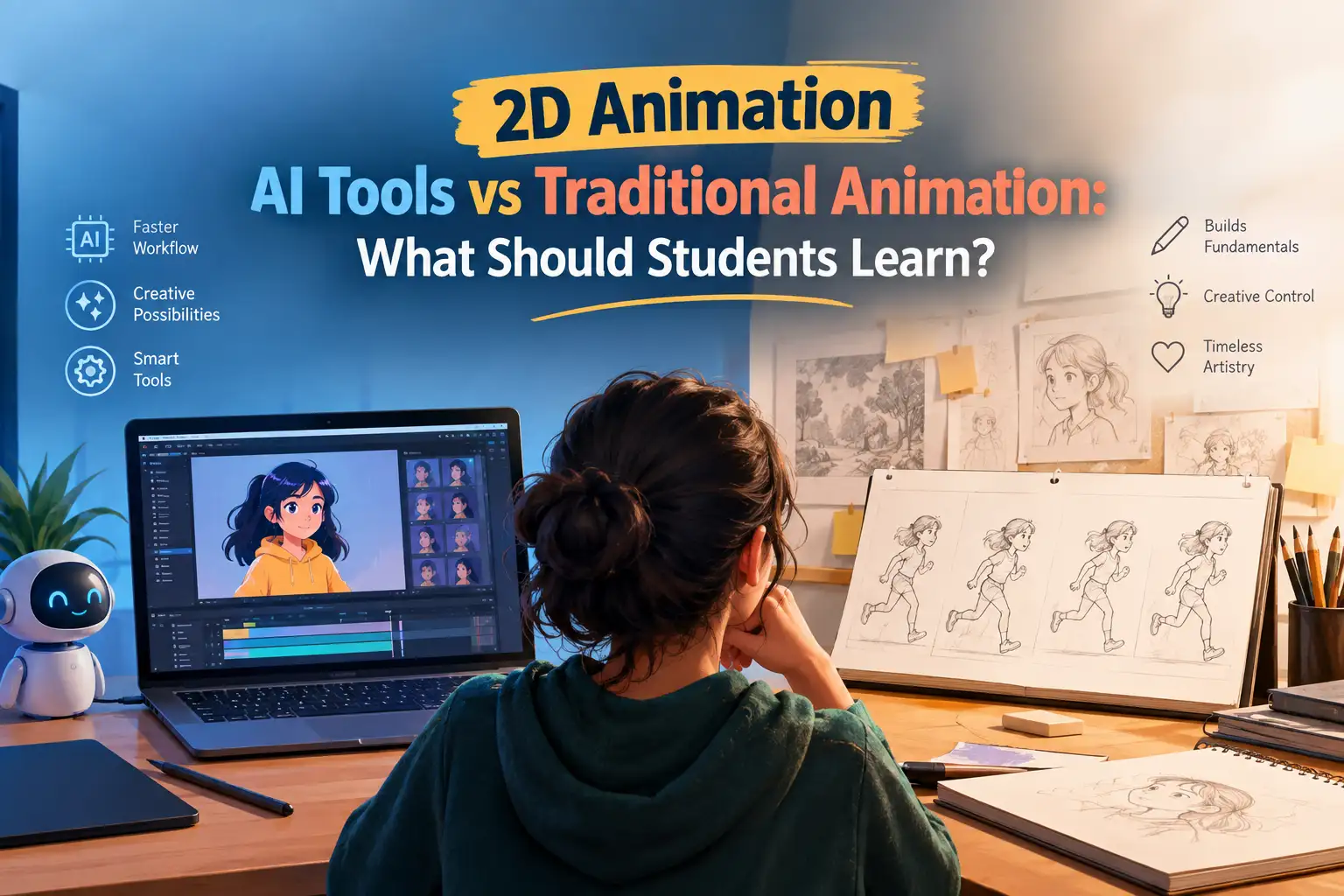
If AI can generate movement, animate images and automate parts of production, why should an aspiring animator still spend time learning traditional animation? This is an increasingly common question as 2D animation AI tools become part of modern creative workflows. AI can support visual experimentation, repetitive production tasks and rapid idea development. However, traditional animation practice helps students develop an understanding of timing, movement, acting and storytelling.
AI-assisted animation is attracting attention because it can speed up selected stages of production. AI animation tools can help artists experiment with ideas, explore visual alternatives and reduce repetitive work.
Common applications include:
AI can assist with a production task, but students still need to understand the creative purpose behind that task.
AI-assisted animation may support:
Animators need to make deliberate decisions about:
An AI tool may generate or modify movement, but using the output effectively still requires an understanding of why particular poses, timing and movement choices communicate an emotion or action.
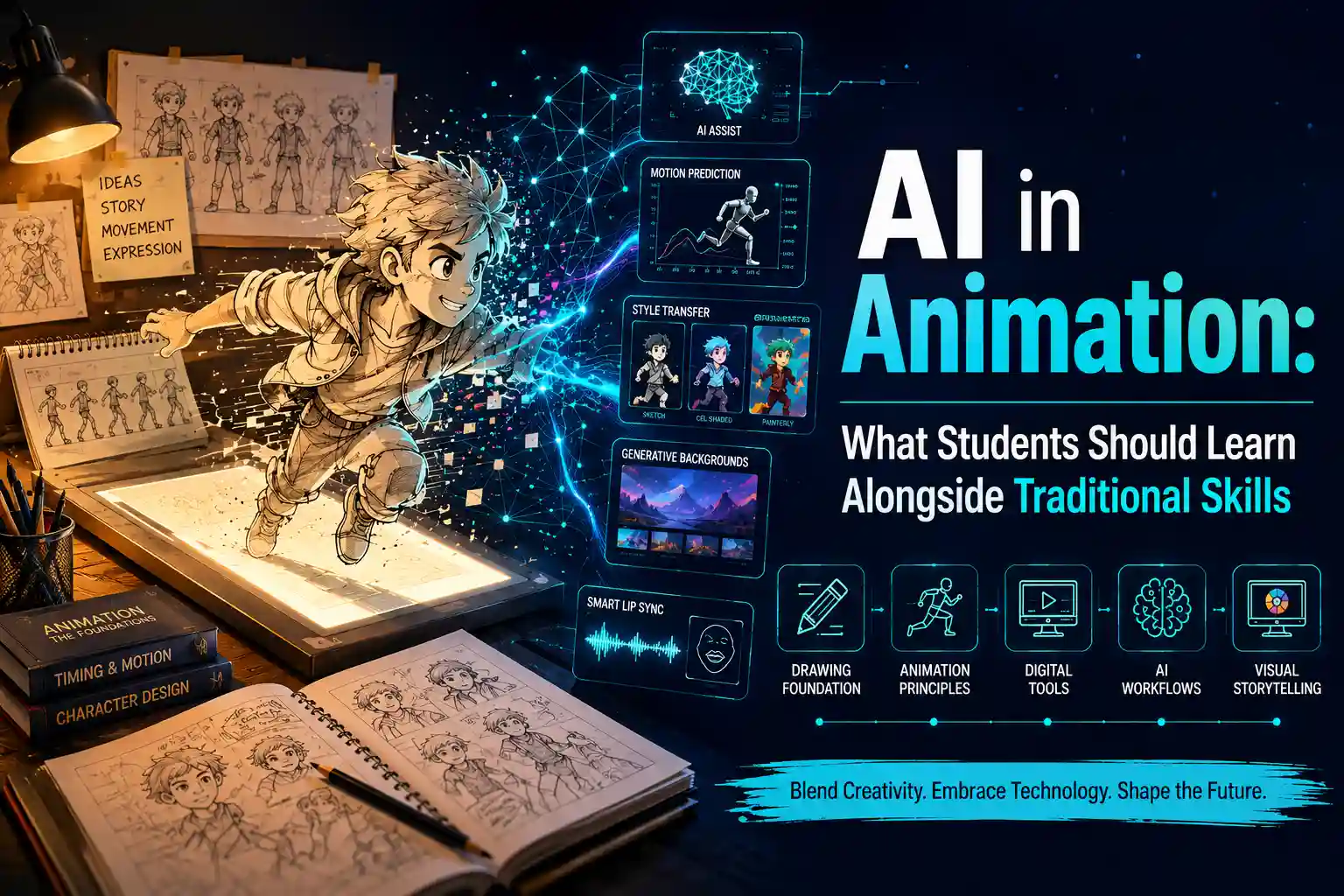
A strong animation foundation remains essential even when students use AI. Drawing and animation skills allow learners to evaluate, correct and direct AI-assisted output.
Students should develop knowledge of:
The goal is not to master every principle separately before using technology. Instead, students should understand how these principles affect movement and communication.
|
Production Need |
Traditional Approach |
AI-Assisted Approach |
|
Concept exploration |
The artist develops ideas manually. |
AI can generate variations. |
|
Key poses |
The animator creates poses. |
AI may assist with suggestions or variations. |
|
In-betweening |
The artist creates/interpolates drawings. |
AI may assist with intermediate frames. |
|
Background exploration |
The artist creates visual alternatives. |
AI can generate or explore options. |
|
Character consistency |
The artist controls visual continuity. |
Generated results require checking and refinement. |
|
Timing |
Animator controls timing. |
Human direction remains important. |
|
Final decisions |
The artist controls the process. |
AI output requires human review and editing. |
Students can follow a structured learning sequence instead of collecting AI tools before understanding animation.
Step 1: Learn Drawing and Visual Storytelling
Start with shape, gesture, pose, composition and character design.
Step 2: Learn Animation Principles
Focus on timing, spacing, keyframes, movement and acting.
Step 3: Learn One Core 2D Animation Workflow
Understand:
Step 4: Introduce AI-Assisted Workflows
Use AI selectively for ideation, background exploration, in-between assistance, image enhancement and repetitive tasks.
Step 5: Learn to Evaluate AI Output
Ask:
This approach gives students a better foundation for using new technology creatively.
Students can benefit from learning controllable, editable animation workflows rather than depending entirely on automated generation. Established tools such as Toon Boom Harmony, Adobe Animate and Krita can help students understand the practical foundations of 2D animation.
Instead of learning every software feature, beginners should focus on:
Learning one core workflow thoroughly can be more useful than constantly switching between new AI tools.
AI literacy can become another useful part of an animator's toolkit. Students may need to learn how to:
AI becomes more useful when an animator already understands the creative problem they are trying to solve.
A strong portfolio should demonstrate the student's creative thinking, not simply display polished AI-generated clips.
Include:
Showing the process can provide a clearer picture of the student's actual animation skills.
Instead of spending the early learning period collecting AI tools, students can follow this practical roadmap:
The real question is not whether students should choose AI or traditional animation. It is which skills they need to master so they can use technology intelligently. Traditional animation develops control over timing, movement, posing, acting and storytelling, while 2D animation AI can support selected stages such as experimentation, ideation and repetitive production tasks.
Ready to build your animation skills? Explore animation and graphic design programmes at Yeldo Mar Baselios College and develop the creative foundation needed for modern animation workflows.
AI can assist with selected animation tasks, but frame-by-frame practice helps students understand timing, spacing, posing, movement and visual storytelling.
The criteria include timing, spacing, weight, continuity, posing, and whether or not the motion is effective in communicating the proper emotion or action.
It would be helpful to include their original designs, storyboards, key poses, exercises in traditional animation techniques, AI-assisted experimentation, and the refinement process and end results.
Students must use the technology wisely and retain creative control of design, story, movement, composition and decision-making in the creation of their animations.
Drawing, posing, timing, spacing, keyframes, acting, storyboarding and animation principles are valuable skills to learn manually before relying on AI assistance.
Tags: 2D Animation AI, AI Animation Tools, 2D Animation, Traditional Animation, AI-Assisted Animation, 2D Animation Software, 2D Animation for Students, Animation Principles, Frame-by-Frame Animation, Animation Workflow, Animation Skills

October 28, 2026

October 28, 2026
October 28, 2026
October 27, 2026
October 27, 2026
October 27, 2026
October 27, 2026

October 26, 2026
September 22, 2026
September 22, 2026
September 22, 2026
September 22, 2026
September 21, 2026

September 21, 2026
September 21, 2026

September 21, 2026
September 07, 2026
September 07, 2026
August 29, 2026
August 29, 2026
August 28, 2026
August 28, 2026
August 28, 2026
August 28, 2026
July 27, 2026
July 27, 2026
July 27, 2026
July 27, 2026

July 25, 2026
July 25, 2026