
- Email yeldocollegesmd@gmail.com
- CALL +91 98461 10506 +91 98468 77776
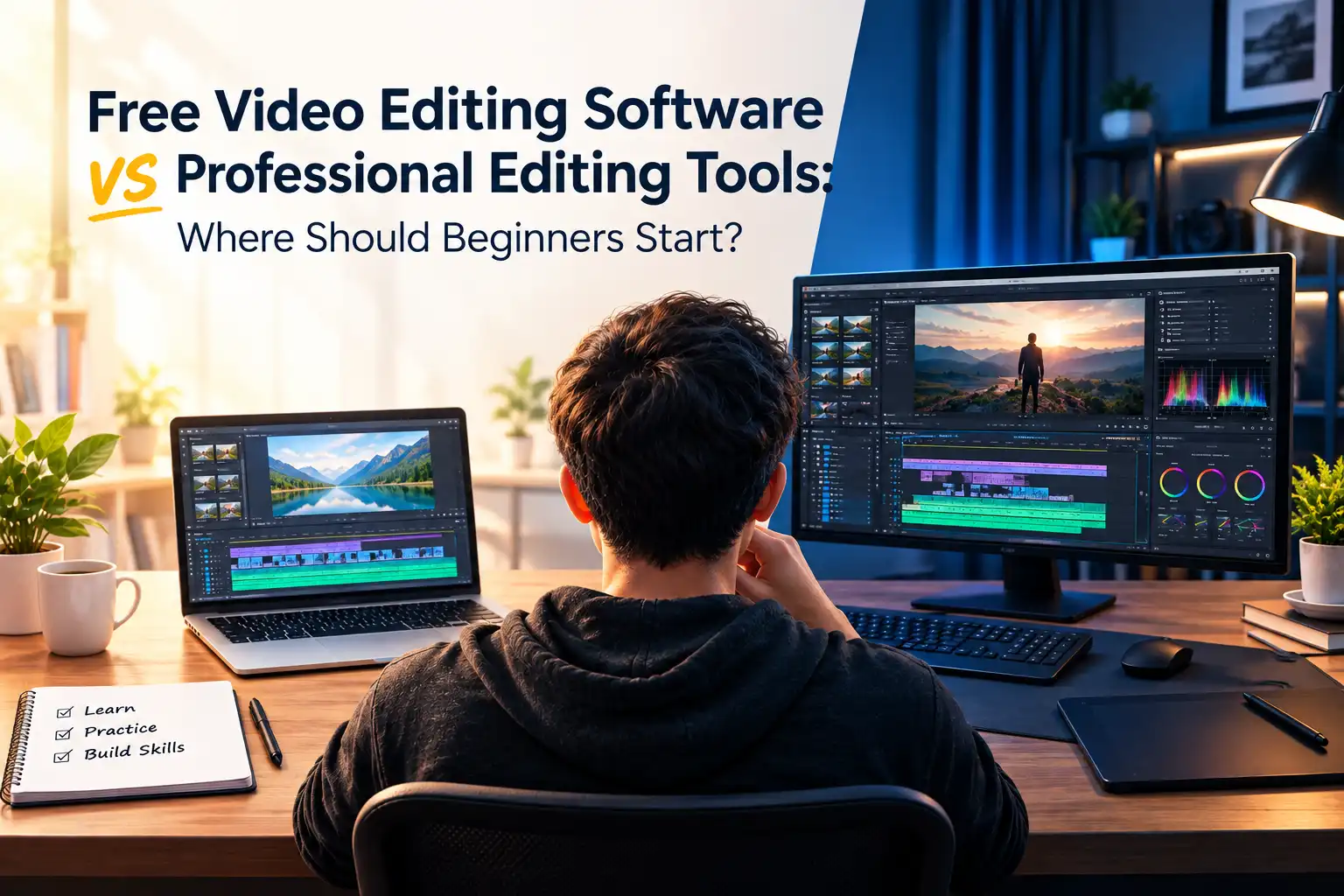
Choosing free video editing software is often the first step for beginners entering video creation. Nowadays, there is plenty of free video editing software that provides advanced functionality without charging for it from the beginning. Free and professional video editing software can overlap in their capabilities. Some free tools offer advanced features, while paid tools may provide deeper workflows, additional capabilities or collaboration features. The right choice ultimately depends on your needs, skills and project goals.
Modern free video editing tools can handle much more than basic trimming. Depending on the software, beginners can work with:
DaVinci Resolve is a strong example. Its free version combines editing, colour correction, visual effects, motion graphics and audio tools, allowing learners to explore a professional-style post-production workflow.
The difference between free and paid editing software is not simply about cost. Consider these factors:
|
Factor |
Free Software |
Professional Tools |
|
Cost |
Free or lower upfront cost |
Usually paid |
|
Learning curve |
Varies |
Often more extensive |
|
Editing control |
Basic to advanced, depending on the tool |
Typically extensive |
|
Complex projects |
Depends on the software |
Often designed for demanding workflows |
|
Collaboration |
Varies |
Often more developed |
|
Advanced effects |
Software-dependent |
More extensive |
A free editor can sometimes support sophisticated projects, while a paid tool may still feel difficult to a beginner. The best choice depends on the software and the learner's needs.
There are two practical ways to begin learning video editing.
Path 1: Start Simple
This approach suits beginners creating:
Simple editors can help beginners understand timeline editing, cutting, sequencing and audio without overwhelming them with advanced features. For example, iMovie provides simplified editing features, including Storyboards and Magic Movie.
Path 2: Start with Professional: Grade Free Software
This path suits serious learners, aspiring editors, filmmakers and animation or VFX students. DaVinci Resolve can provide a broader introduction to professional post-production while remaining accessible through its free version.
The key is to choose software according to your learning goals, not simply its price.
Software interfaces may change, but core video editing skills remain useful across platforms. Beginners should focus on:
Understanding the complete editing workflow helps learners move between different applications more confidently.
Free video editing software may become limiting when projects require more specialised workflows. This can happen when you need:
However, paying for software does not automatically make a video better. The quality still depends on the editor's creative and technical skills.
AI is becoming part of modern editing workflows. AI video editing features can automate repetitive tasks and speed up production.
Examples include:
These features can improve efficiency, but editors still need to understand storytelling, pacing, composition and post-production. AI-powered editing works best when the user understands what the final video needs to achieve.
Different learners can follow different paths.
Simple or free tools may be enough initially for social media videos, short-form content and basic editing.
Students planning a career in video editing can begin learning professional workflows earlier, especially if they intend to work on complex projects.
Editing should be combined with compositing, motion graphics and post-production skills. Students exploring a BA Animation and Visual Effects College in Ernakulam can benefit from learning how editing connects with these areas.
Beginners do not need to learn five applications at once. Instead, choose one video editor, learn its workflow properly and create real projects.
Focus on:
Once these fundamentals become familiar, adding another application becomes much easier. Software changes, but strong editing principles remain transferable.
Students interested in a video editing course in Ernakulam should therefore look for practical training that combines software knowledge with real projects and industry oriented workflows.
Choose Free or Simple Software If:
Choose a Professional: Grade Tool If:
The best video editing software is the one that matches your current skills while helping you progress towards your future goals.
Free video editing software is no longer limited to basic editing. Some free tools offer advanced capabilities that can support serious projects. However, beginners should not choose an editor based only on price or the number of features. Start with a tool you can learn properly, develop transferable editing skills, and move towards more advanced workflows as your projects and career goals grow. Ready to turn your editing skills into a creative career? Explore practical video editing courses at Yeldo Mar Baselios College and build industry-focused skills through hands-on learning.
Yes. Many free video editing tools offer the essential features beginners need to learn editing basics and create high quality videos.
Some free tools can support professional-level workflows, depending on the project's requirements and the software's available features.
The main differences can involve workflow depth, advanced controls, collaboration features, effects and specialised production requirements.
It depends on their goals. Casual users may prefer a simpler editor, while aspiring professionals may benefit from learning a professional-grade tool earlier.
Yes. Fundamental skills such as cutting, pacing, storytelling, sequencing and audio remain useful when moving between editing applications.
Tags: free video editing software, video editing software, professional video editing software, free video editor, video editing tools, video editing software for beginners, best video editing software for beginners, professional video editing tools,
October 28, 2026
October 28, 2026
October 28, 2026
October 27, 2026

October 27, 2026
October 27, 2026
October 27, 2026
October 26, 2026
September 22, 2026
September 22, 2026
September 22, 2026
September 22, 2026
September 21, 2026
September 21, 2026
September 21, 2026
September 21, 2026
September 07, 2026
September 07, 2026
August 29, 2026
August 29, 2026
August 28, 2026
August 28, 2026
August 28, 2026
August 28, 2026

July 27, 2026
July 27, 2026
July 27, 2026
July 27, 2026

July 25, 2026
July 25, 2026