
- Email yeldocollegesmd@gmail.com
- CALL +91 98461 10506 +91 98468 77776
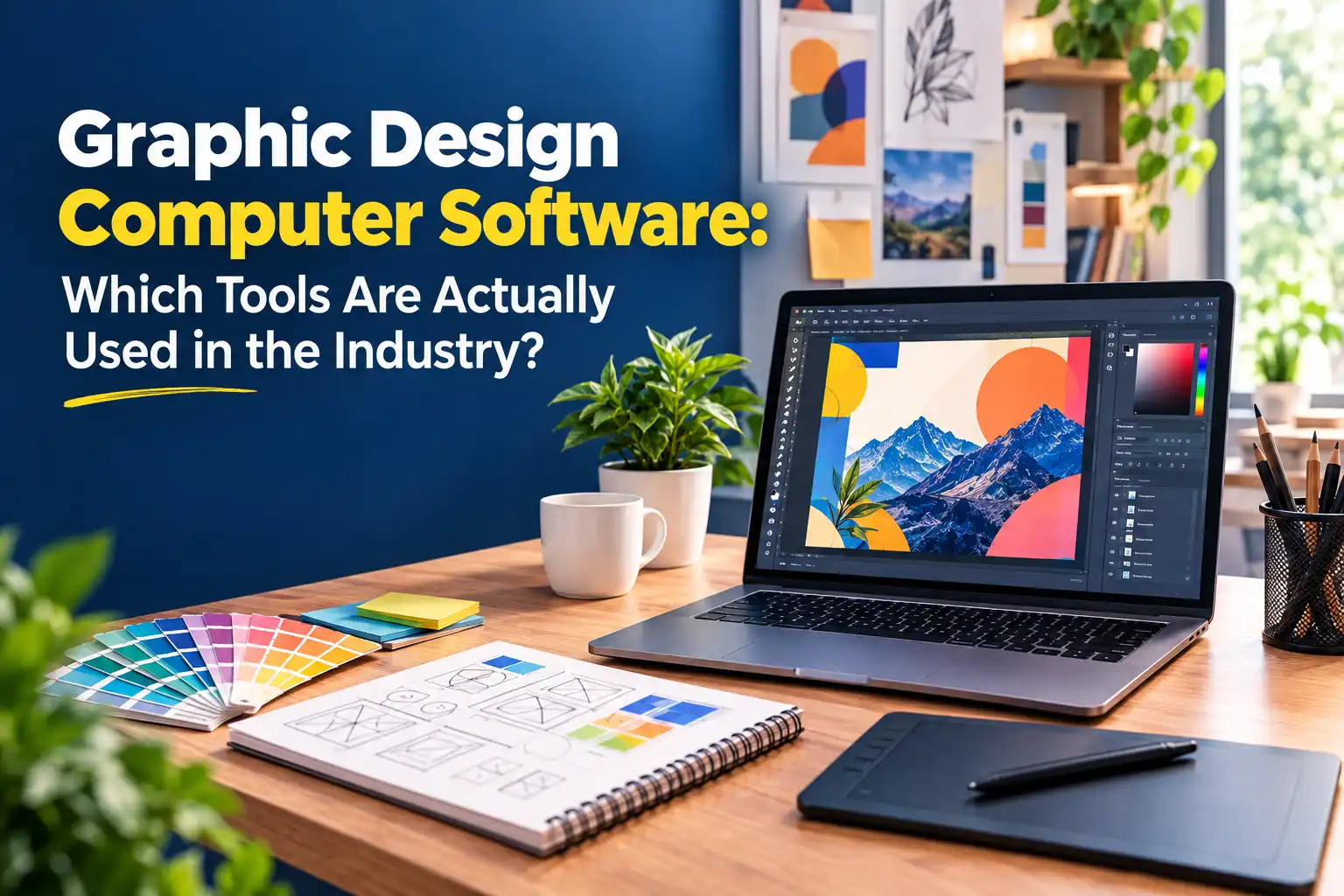
Choosing the right graphic design computer software can be confusing when there are so many options available. Different designs call for different types of graphic design software, such as vector software for logos, image editing software for photographs, and layout software for magazines. This article will take you through some of the graphic design tools used by professionals and how to select them as a student.
Graphic design involves different forms of visual communication, so the software that works well for one task may not be the best choice for another. Graphic design software can be categorised into multiple groups:
Vector graphics: Logos, icons and scalable illustrations
For instance, a designer might work on the logo with the help of Illustrator, on a photo with Photoshop, on a brochure with InDesign and on a site interface with Figma.
Adobe Illustrator is widely associated with vector-based design. Unlike raster images, vector graphics use paths and shapes that can scale without losing quality.
Designers can use Illustrator for:
This makes Illustrator an important part of many professional graphic design workflows, particularly for branding and visual identity projects.
Adobe Photoshop is primarily used for raster-based image editing, including photo retouching, compositing and image manipulation.Designers use it when a project requires detailed image editing or manipulation.
Photoshop is useful for:
A designer might create a logo in Illustrator and then use Photoshop to place it in a realistic product or advertising mockup.
Adobe InDesign comes into play when there are pages in the design project. It is good for page layout and typography, not for image editing.
The professional uses InDesign for designing:
It is used for multi-page designs where consistency of typeface, spacing, grids and hierarchy of visuals can be maintained throughout the whole document.
Figma allows you to create UI designs, UX designs, wireframes, prototypes, and collaborative design.
The use cases for Figma include:
Figma is not a universal replacement for traditional graphic design software. Instead, it adds capabilities for UI design, UX design, prototyping and collaborative digital workflows.
Canva offers a fast way to create social media graphics, presentations, marketing materials and other template-driven content. It can be useful when designers need to produce visual content quickly. Affinity represents another option in the increasingly diverse design software landscape. Students can explore alternative vector, raster and layout workflows depending on their interests and professional requirements.
The best software for graphic design depends on the task, rather than simply choosing the most popular application.
Students do not need to master every application simultaneously. A task-based approach makes learning more manageable.
|
Design Goal |
Software to Start Learning |
|
Logos and vector artwork |
Illustrator |
|
Photo-based designs |
Photoshop |
|
Magazines and brochures |
InDesign |
|
Websites and app interfaces |
Figma |
|
Quick social media designs |
Canva |
|
Alternative creative workflows |
Affinity |
Alongside graphic design programs, students should develop transferable skills such as typography, colour, composition, layout, branding and visual hierarchy. A person is not a strong designer just because they know how to use software.
Consider a new brand identity project. A professional workflow could include:
The key industry skill is knowing which graphic design application to use at each stage.
Students should look for graphic design courses in Ernakulam that combine software training with practical design education. A strong learning environment can include:
Learning through real projects helps students understand how graphic design tools work beyond individual tutorials.
But being familiar with software is only one of the prerequisites for becoming a designer. One should practice on actual projects, be ready to receive criticism, and create an impressive portfolio that demonstrates their creativity and problem-solving.
The blend of software knowledge and design knowledge may become a great starting point for aspiring designers who want to study at a BA Animation and Graphic Design College in Ernakulam.
There is no universal graphic design computer software for all purposes. There are Illustrator, Photoshop, InDesign, and Figma, which can help in various cases, and there are Canva and Affinity, which will be more helpful for certain workflows. Pick the graphic design software according to your purpose, and learn graphic design programs along with design principles. Are you prepared to pursue a career in design? Explore graphic design courses at Yeldo Mar Baselios College and build practical skills through industry-focused learning.
Professionals may utilise several programs, like Illustrator, Photoshop, InDesign, and Figma.
Beginner designers may pick the program that suits the type of design work they like best – for example, Illustrator for logo design and Photoshop for photo design.
No, all three programs at the same time are not required. Nevertheless, learning them will be helpful in working on diverse professional tasks.
Canva allows for fast creation of various visual content, but professional graphic design involves disciplines such as typography, composition, branding, layout, and visual communication.
No, students require both software knowledge and practice, as well as other qualities.
Tags: graphic design computer software, graphic design software, graphic design tools, graphic design programs, software for graphic design, professional graphic design software, graphic design software for students, vector design software
October 28, 2026
October 28, 2026
October 28, 2026
October 27, 2026

October 27, 2026
October 27, 2026
October 27, 2026
October 26, 2026
September 22, 2026
September 22, 2026
September 22, 2026
September 22, 2026
September 21, 2026
September 21, 2026
September 21, 2026
September 21, 2026
September 07, 2026
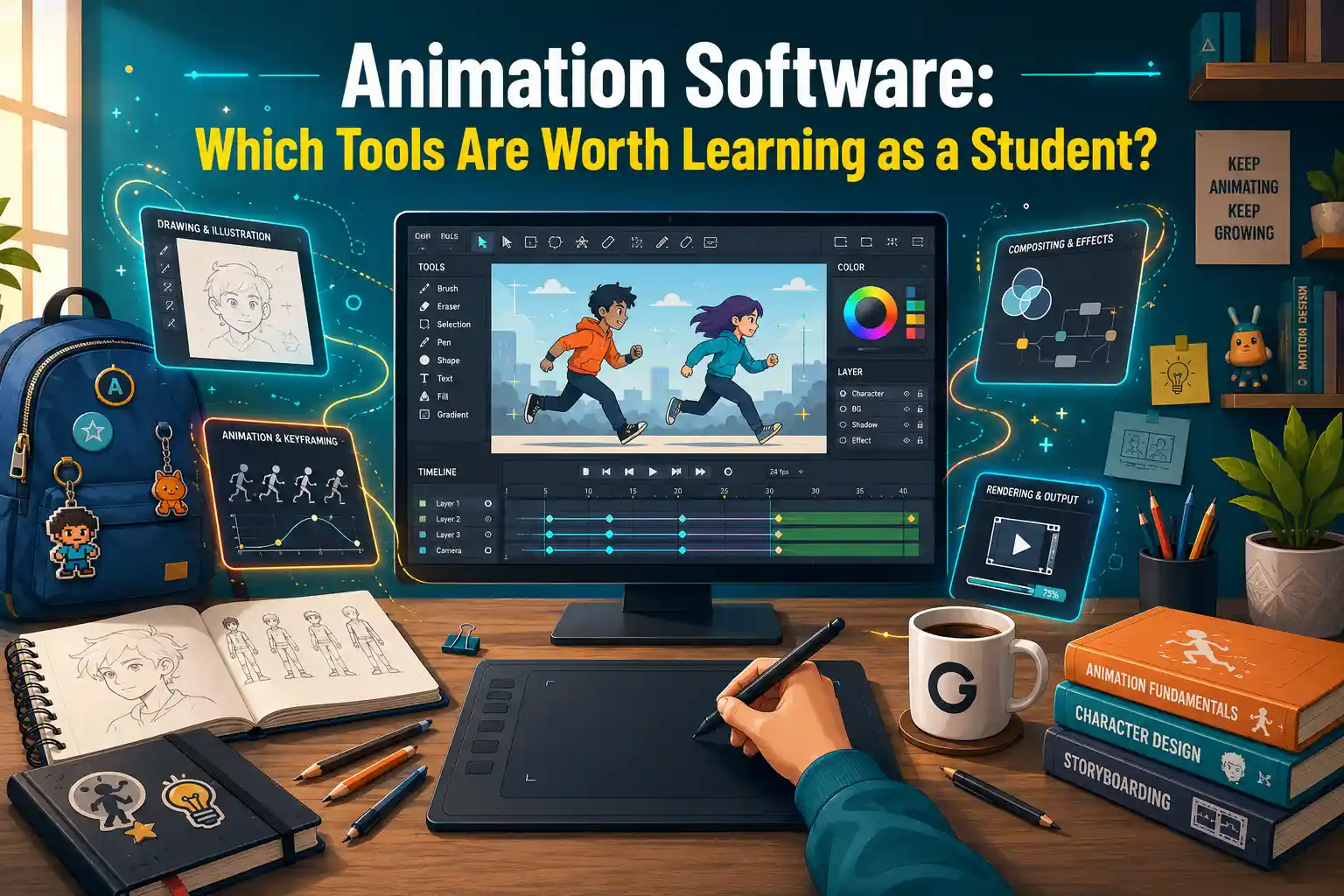
September 07, 2026
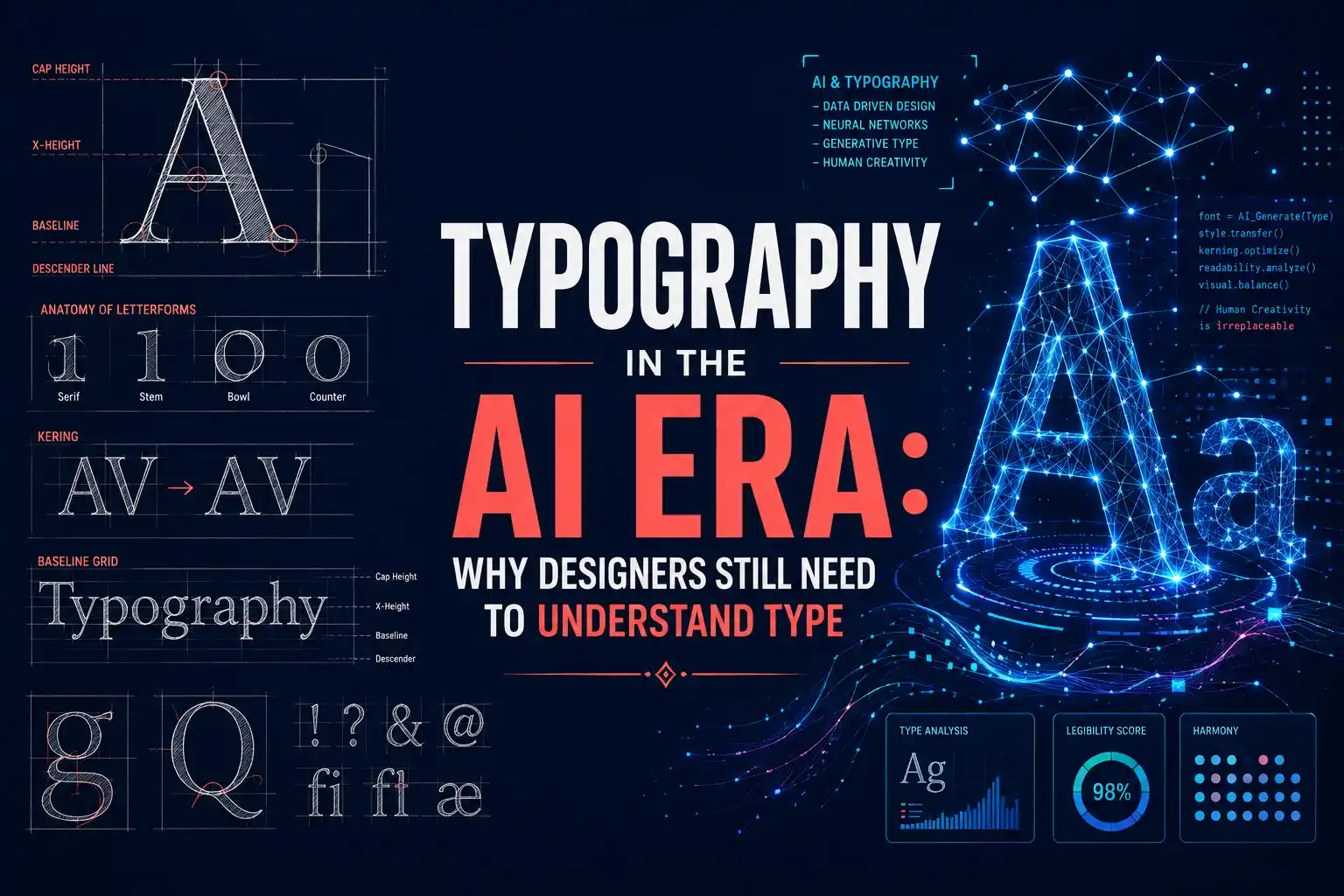
August 29, 2026
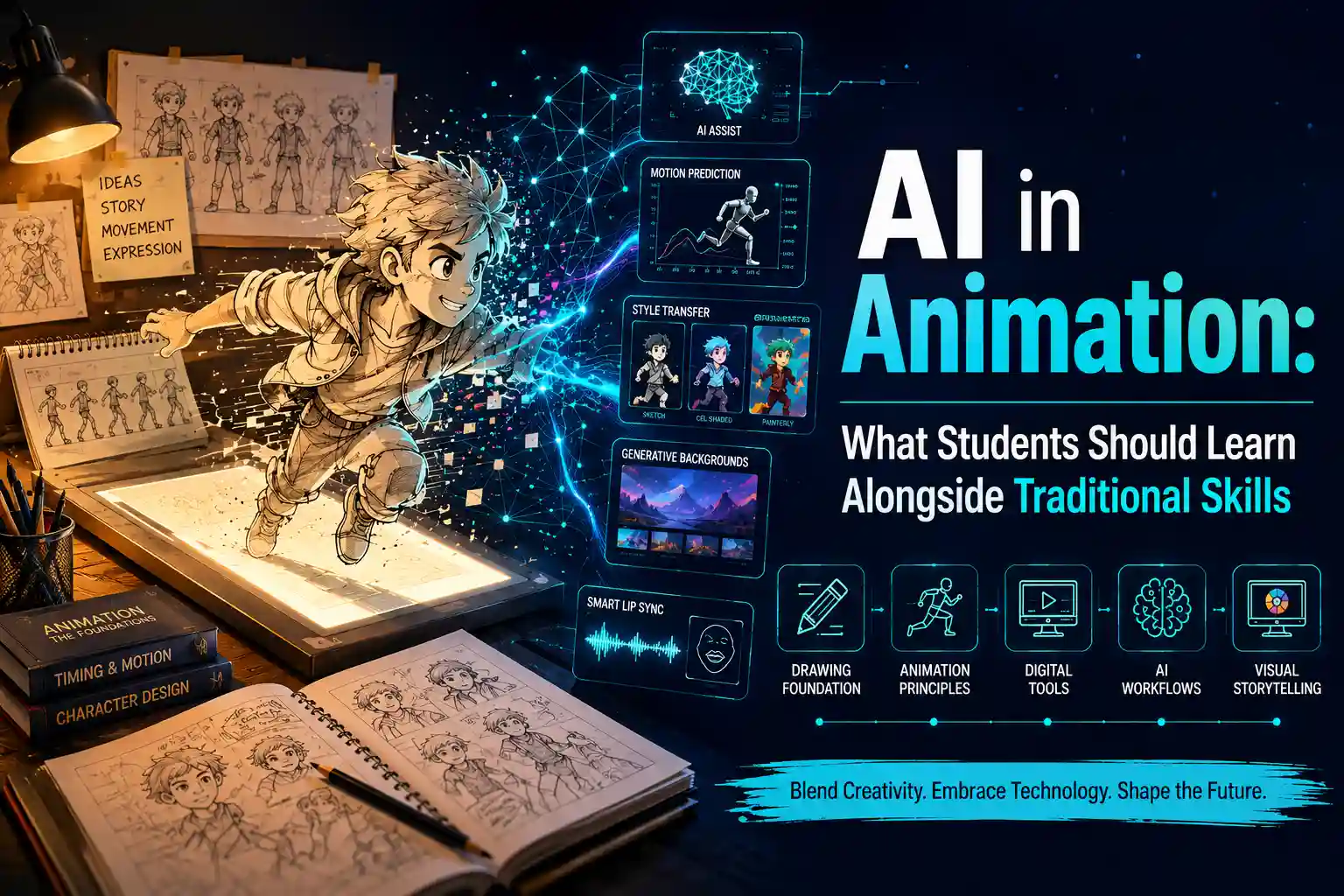
August 29, 2026
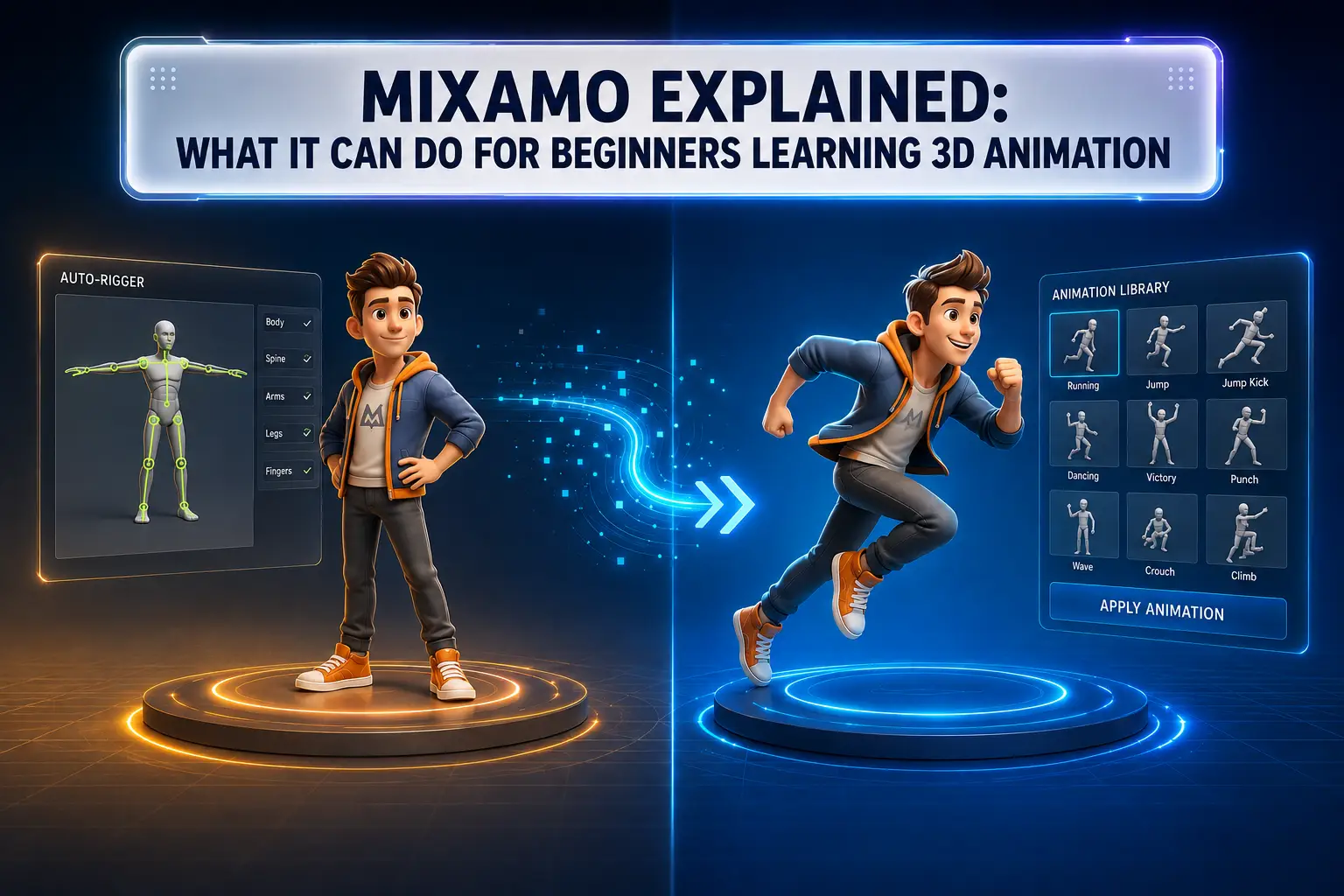
August 28, 2026
August 28, 2026
August 28, 2026
August 28, 2026
July 27, 2026
July 27, 2026
July 27, 2026
July 27, 2026
July 25, 2026
July 25, 2026