
- Email yeldocollegesmd@gmail.com
- CALL +91 98461 10506 +91 98468 77776
In This Story:
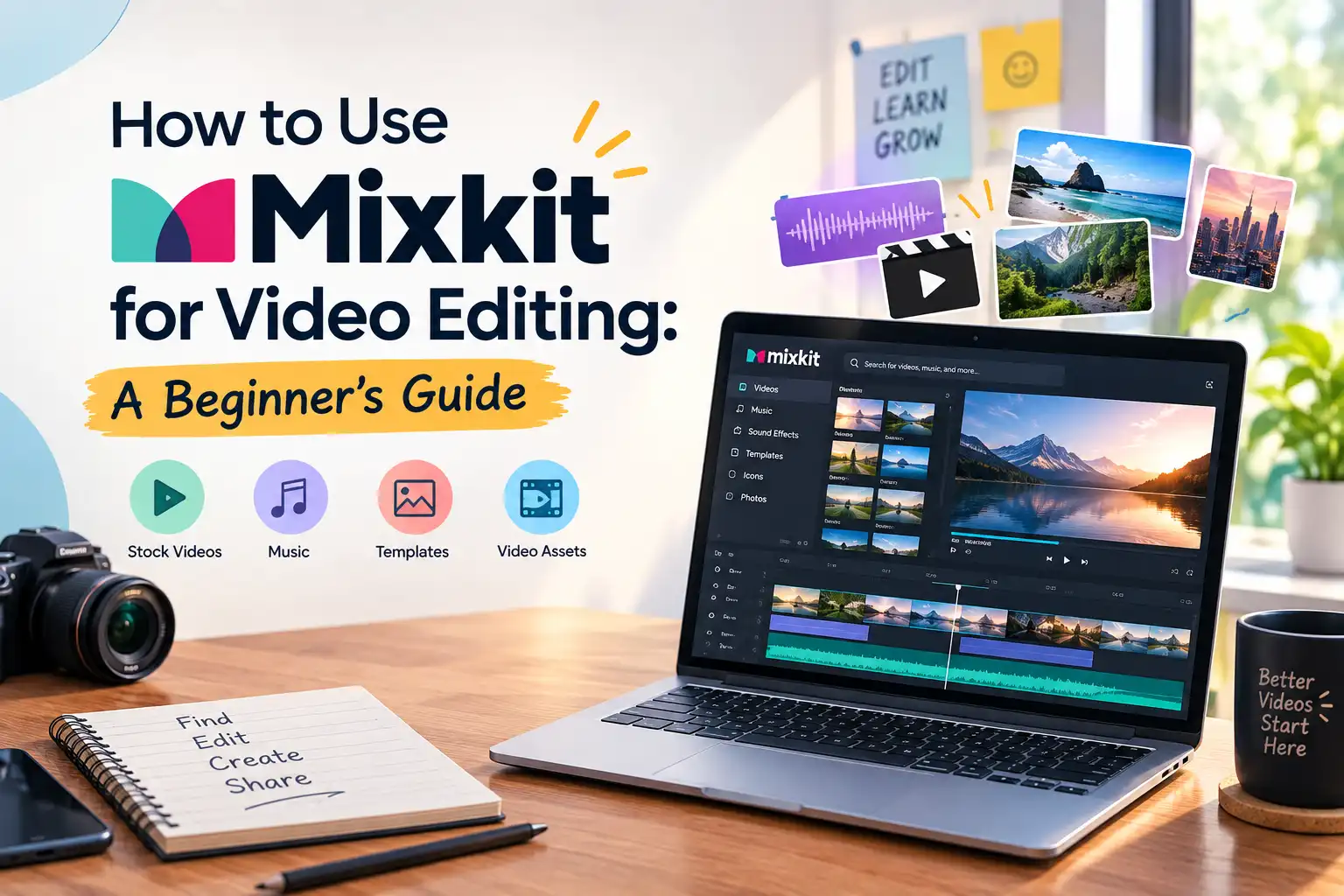
Mixkit is an online library of stock videos, background music, sound effects and video templates that creators can use in their video projects, subject to the applicable licence. The Mixkit website provides creative assets that can enhance your final video, whether you're producing a YouTube video, a travel vlog, a social media Reel, or a promotional video. This guide will show you how to identify and download the right assets, how to incorporate them into your editing program, how to ensure they are used consistently, and how to verify licensing requirements before video publication.
Mixkit offers several types of creative assets that video editors can use in their projects, subject to the applicable license.
Stock footage gives your audience additional visual context, while music and sound effects help establish mood and atmosphere. Templates can simplify certain editing tasks, but they may require compatible software and additional setup.
To find suitable assets on Mixkit, follow these steps.
For example, a travel vlog may need scenic B-roll footage, upbeat background music, and a title template. Finding these resources before editing can help you plan the sequence more efficiently.
Remember that formats, resolutions, and licensing conditions can vary between assets.
Once you download an asset, import it into a compatible video editor. The exact steps depend on your editing application and the type of file you downloaded.
Follow this simple workflow:
For instance, a travel video could combine original destination footage with Mixkit stock videos, free background music, and a compatible title template.
If you want to develop these skills further, explore a video editing course in Ernakulam to learn more about editing techniques and creative production workflows.
Good editing involves more than downloading attractive clips. Each asset should support the story and match the overall style of your video.
Use these practical tips:
Before exporting, preview the full sequence. Even high-quality stock footage may look out of place if its colour, pacing, or composition differs significantly from the surrounding clips.
Mixkit has separate licences for stock video, music, sound effects and video templates. Before using an asset in a personal, commercial or monetised YouTube project, check the licence that applies to that specific item. https://mixkit.co/license/
As of now, Mixkit says that videos licensed under its Free License can be used in both commercial and non-commercial projects, and videos licensed under its Restricted License can only be used in personal projects. Stock videos under the Free License do not require attribution, but Mixkit welcomes credit as long as reasonably called for. There are conditions to music and other assets! For example, the Stock Music Free License permits several uses, including YouTube videos, social media posts and online advertising, but excludes certain uses such as television and radio broadcasts. https://mixkit.co/license/modal/musicFree/
Before using an asset in a monetised YouTube video, client project, or advertisement:
Be aware that the permissions for all downloads are not the same. Be sure to review the current terms before posting.
Do not assume that every download has identical permissions. Always check the latest terms before publishing.
Use this final checklist before publishing your video.
These checks will help you to find out if there are any potential problems in your video before you send it to an audience or your client.
Mixkit gives video creators access to stock footage, music, sound effects and templates that can support a range of editing projects. To use these resources effectively, choose assets that match your video's style, import them into compatible editing software and review the final sequence for visual and audio consistency.
Before publishing, check the licence for each asset and confirm that it permits your intended use, especially for commercial projects and monetised YouTube videos.
Want to develop your video-editing skills further? Explore Yeldo Mar Baselios College's Video Editing Course in Ernakulam to learn more about its course offering.
Mixkit is an online library of video stock, music, sound effects, and video templates.Mixkit is an online library of stock videos, music, sound effects and video templates. Creators can download these assets for video-editing and other creative projects, subject to the applicable licence.
Yes. Stock videos from Mixkit's free license are allowed to use on YouTube videos, such as commercial projects that are eligible. Read the license on each clip, as some clips may have usage restrictions.
Mixkit would appreciate credit when reasonably possible but is not required on stock videos that are covered by the Free License. Ensure music, sound effects, and templates are under the appropriate license.
Yes. For beginners, download some appropriate clips, music, and sound effects, which may be imported into editing software that may be suitable. Try out with a short project, practice arranging clips and audio, and check the license for each one before publishing.
Tags: Mixkit, Mixkit for Video Editing, Stock Footage, Free Stock Videos, Video Editing Resources, Background Music, Sound Effects, Video Templates, Video Editing for Beginners, Video Editing Course in Ernakulam
October 28, 2026
October 28, 2026
October 28, 2026
October 27, 2026

October 27, 2026
October 27, 2026
October 27, 2026
October 26, 2026
September 22, 2026
September 22, 2026
September 22, 2026
September 22, 2026
September 21, 2026
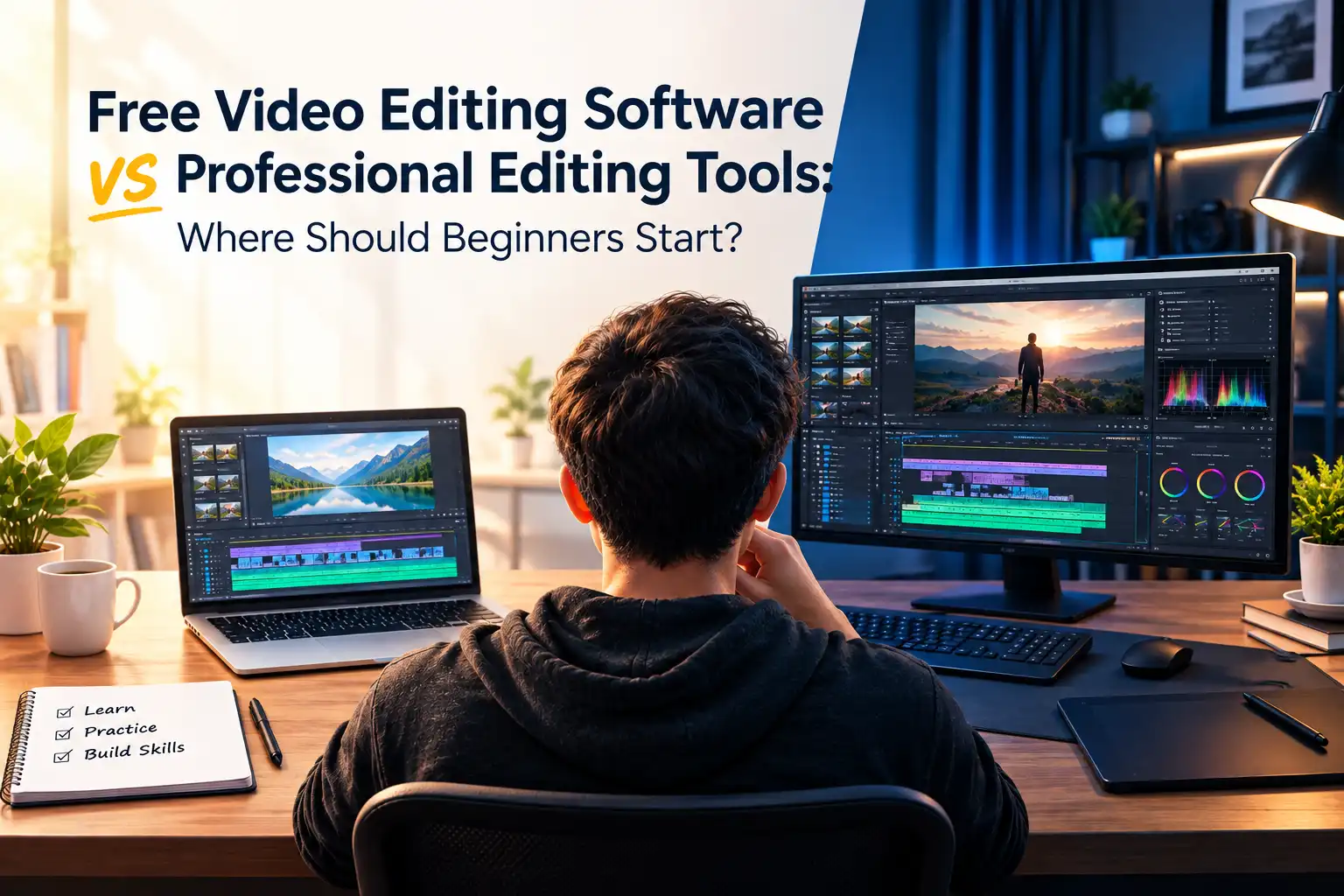
September 21, 2026

September 21, 2026
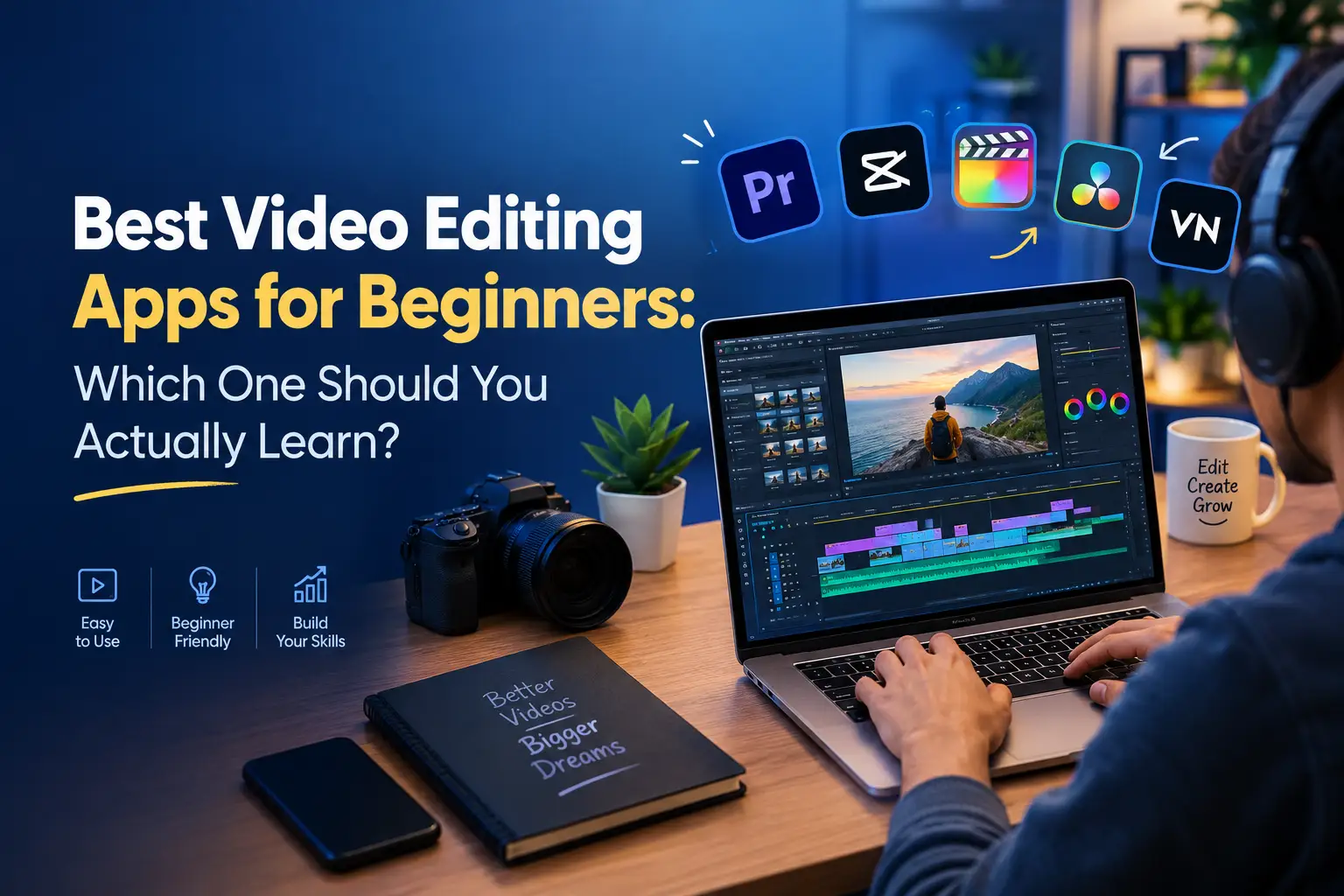
September 21, 2026
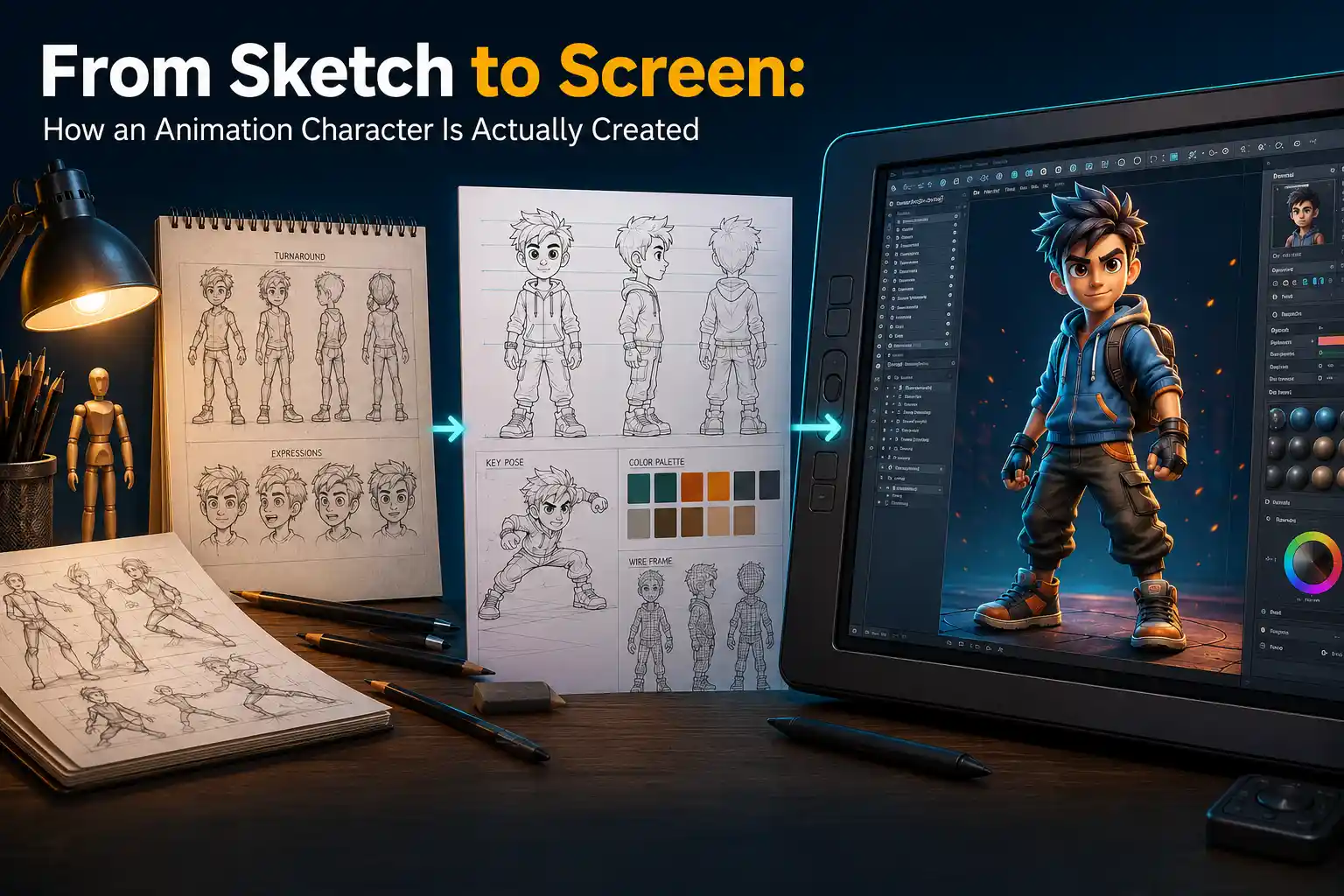
September 07, 2026
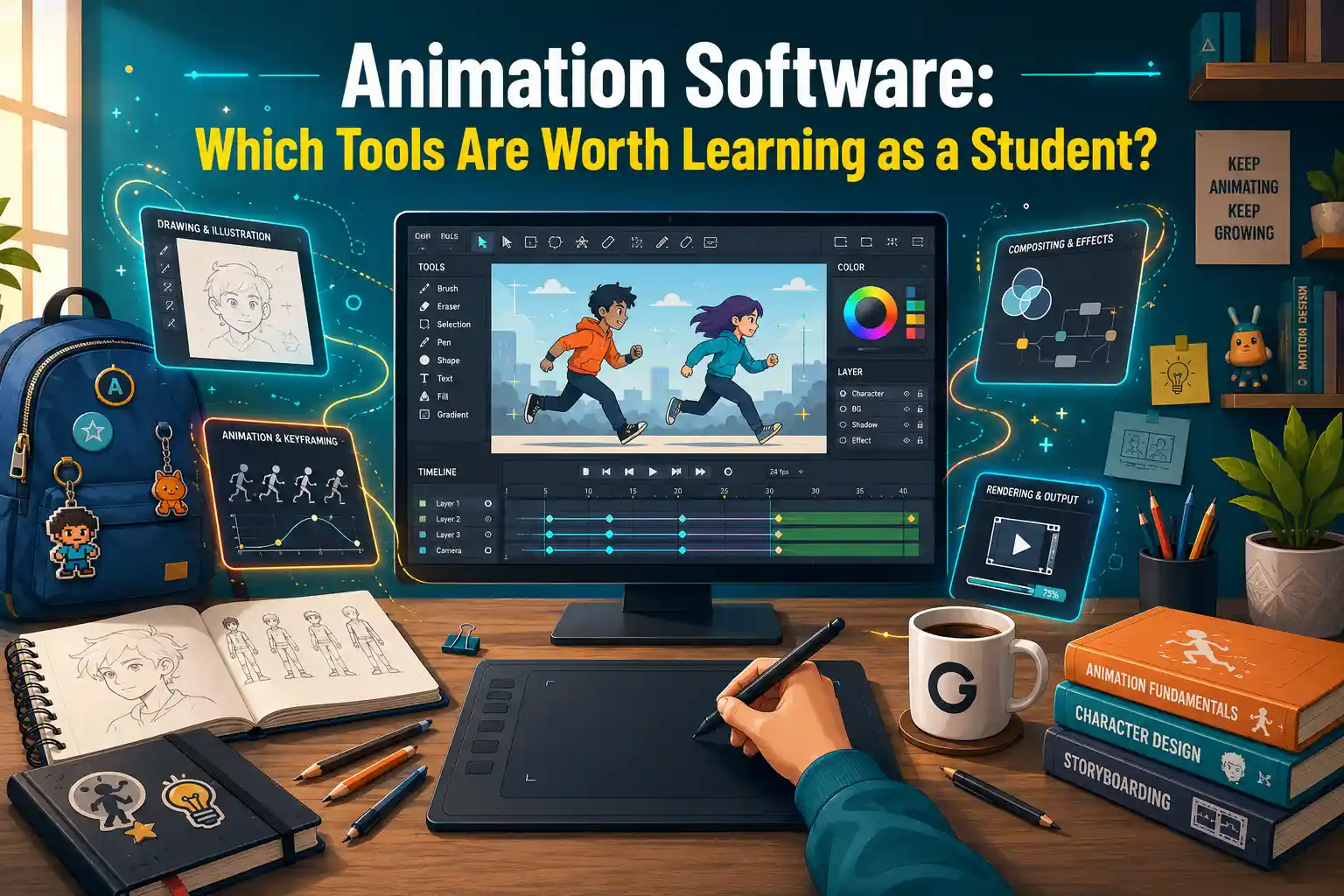
September 07, 2026
August 29, 2026
August 29, 2026
August 28, 2026
August 28, 2026

August 28, 2026
August 28, 2026

July 27, 2026
July 27, 2026
July 27, 2026
July 27, 2026
July 25, 2026

July 25, 2026