
- Email yeldocollegesmd@gmail.com
- CALL +91 98461 10506 +91 98468 77776
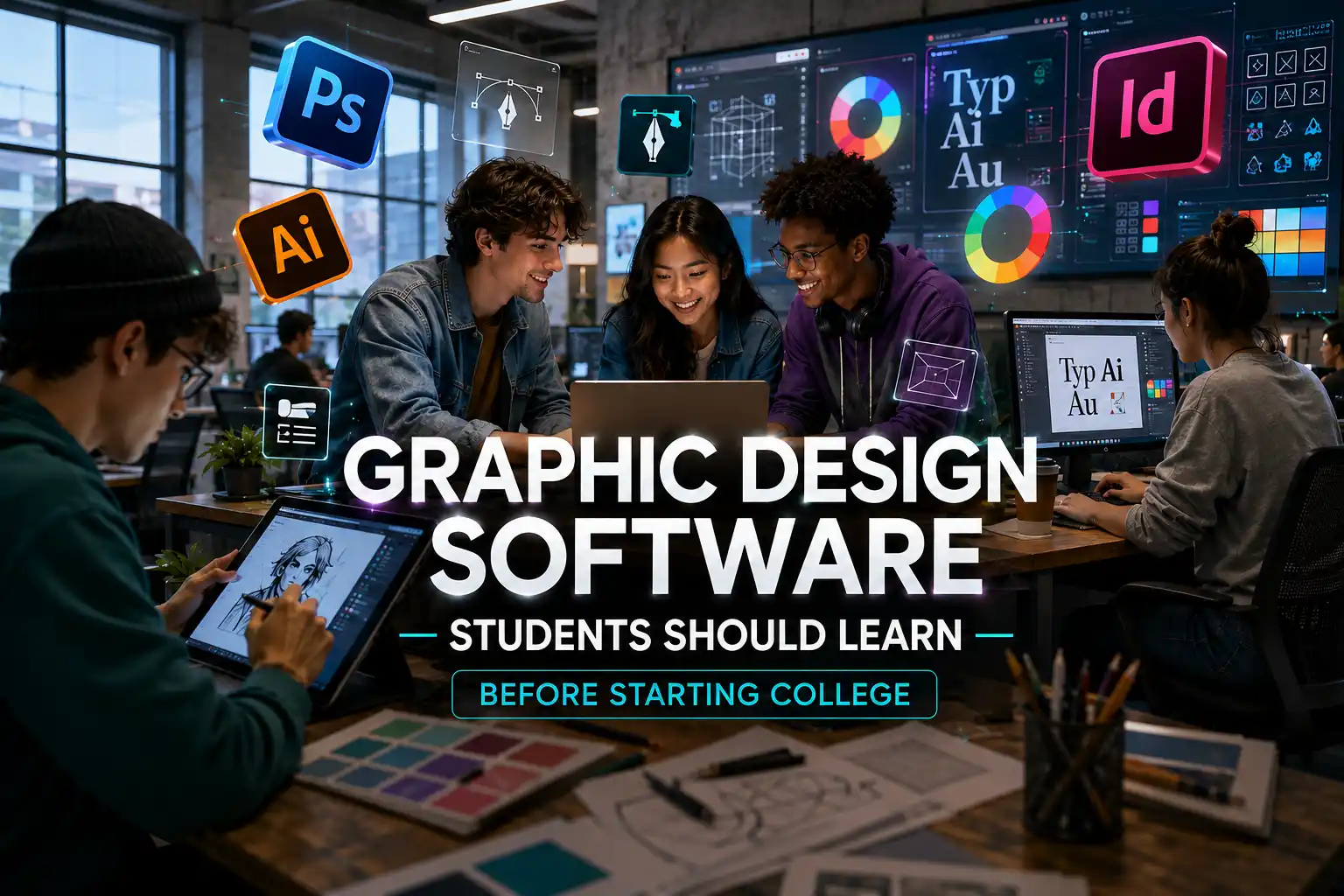
Do you need to learn graphic design software before joining college? Honestly, no. Nobody expects you to show up as a working designer on day one. But picking up a handful of core applications beforehand tends to make the first semester feel a lot less overwhelming.
Once you start a design program, you'll work with a range of applications, each designed for a specific purpose. Photoshop handles image editing and raster work. Illustrator is where vector artwork and branding happen. InDesign takes care of page layouts and publications. Figma covers interface and digital product design. And Canva is usually where beginners get their first taste of putting a layout together.
You're not expected to master all five before starting college. You just want a rough sense of what each one is for, when you'd pick it up, and how it slots into a bigger workflow.
If you're not sure where to start, a rough priority list helps. Which graphic design software you learn first depends largely on the type of design work that interests you.
|
Software |
Main Purpose |
Priority Before College |
|
Adobe Photoshop |
Image editing, photo manipulation and raster graphics |
High |
|
Adobe Illustrator |
Logos, vector graphics and illustration |
High |
|
Adobe InDesign |
Brochures, magazines and multi page layouts |
Medium |
|
Figma |
UI design, wireframes and prototypes |
Medium |
|
Canva |
Quick visual content and layouts |
Beginner friendly |
A “high priority” label here just means it's worth your time early on , not that you need to have it down cold. Really, the point is getting comfortable with the basic tools, the general workflow, and knowing how graphic design software for students differs from other design software for students out there.
Photoshop makes sense as a first stop because image editing sneaks into almost every kind of design project sooner or later. Layers, masks, cropping, resizing, background removal, colour correction, retouching, and compositing these are the basics worth getting your hands on first.
It's built around raster graphics, or images made of pixels, which is exactly why it works so well for photographs and other pixel based work.
Watching tutorial after tutorial without actually opening the software won't teach you much. Try a few small exercises instead:
Small exercises like these show you how graphic design tools for beginners actually solve real visual problems, instead of just being buttons you've memorised.
Illustrator belongs near the top of that list too. Where Photoshop deals in pixels, Illustrator works with vector graphics, shapes and paths built on math rather than a fixed grid of dots.
A few things worth trying:
The raster versus vector split isn't just trivia. Raster images start losing quality the moment you blow them up too far. Vector artwork doesn't have that problem; it scales cleanly, no matter the size.
Which is exactly why it matters for something like a logo, since that same file might end up on a business card one week and a billboard the next.
It comes down to what the project actually calls for: editing a photo? Grab Photoshop. Building a logo or an illustration that needs to scale? That's Illustrator's job.
Alongside the software itself, typography is worth picking up early. Students considering a Typography course in Ernakulam can also benefit from understanding typefaces, hierarchy, spacing and readability alongside software skills.
InDesign isn't really competing with Photoshop or Illustrator; it's doing something else entirely. Its whole job is page layout and publishing, not photo editing or vector artwork.
You'll typically see it used for things like:
A typical workflow across all three might go something like this:
Photoshop: create, prepare and edit photographs
Illustrator: create vector artwork
InDesign: combine text, images and graphics into structured pages
Once those split clicks, you stop trying to cram every task into one program and start reaching for whichever tool actually fits.
If websites, apps, or digital products are more your thing, Figma is worth adding to the list. It's built for interface design, wireframing, prototyping, team collaboration, and handing designs off to developers.
A few things worth trying:
It's not “the new Photoshop,” though, no matter how often people frame it that way. Photoshop, Illustrator, and Figma are each solving a different problem.
If digital media is where your interest lies, learning digital design software like Figma is a decent way into interface work and the kind of collaborative process that comes with it.
Plenty of beginners ask if starting with Canva is okay. It is. It's a low pressure way to practise layouts, presentations, social posts, posters, typography, and visual communication in general.
But picking a template off the shelf isn't the same as understanding why that layout works.
A decent learning path looks like this:
Choose templates- Modify templates - Create original layouts
As your confidence grows, the goal shifts; you start moving away from ready made templates and making your own calls on composition, colour, typography, and hierarchy.
Canva is one of the most approachable graphic design tools for beginners, but it should be a starting point rather than the only tool students learn. Treat it as a starting point for practising visual communication while you slowly pick up more specialised software.
Instead of chasing every application out there, stick to a simple pre-college roadmap.
1. Photoshop Basics
Layers, masks, image editing, basic compositing.
2. Illustrator Basics
Shapes, paths, vector artwork, simple logo creation.
3. Typography Basics
Typefaces, hierarchy, spacing, readability.
4. Composition
Alignment, balance, contrast, visual hierarchy.
5. Colour Fundamentals
Basic colour relationships and how colour shapes the way people read a visual.
InDesign, Figma, advanced illustration, motion graphics, 3D work, and visual effects can wait until later.
You're not aiming to walk in knowing it all. You just want enough of a footing that design principles and creative problem solving don't feel like a foreign language on day one.
Knowing exactly where every tool sits in Photoshop's menus doesn't make someone a designer. That's a separate skill entirely.
A designer also has to understand:
One way to keep this straight:
Software tells you how to make something. Design knowledge helps you decide what to make and why.
If you're weighing graphic design courses in Ernakulam, don't judge a program purely on software training. Look for one that pushes the creative thinking behind visual communication too.
Actually, building something teaches you more than any stack of tutorials ever will. Before college starts, five manageable projects can go a long way.
Project 1: Logo
Create a fictional brand identity using Illustrator.
Project 2: Photo Composition
Combine multiple photographs into one creative composition using Photoshop.
Project 3: Poster
Design an event poster using typography, colour, and visual hierarchy.
Project 4: Brochure
Create a simple two page brochure using InDesign.
Project 5: Mobile Screen
Design one basic mobile interface in Figma.
Nobody expects portfolio ready work out of these. They're just a way to practise picking the right tool, working out a layout, handling typography, and thinking through hierarchy.
Walking in with some software familiarity gives you a head start once classes actually begin. From there, the coursework moves past individual tools and into bigger territory: branding, typography, illustration, editorial work, digital design, visual communication, portfolio building.
That gap matters. Learning software early can make you more comfortable with the tools, but a good graphic design college in Kerala should also teach you why certain design choices work, how audiences respond to visuals, and how different creative disciplines connect.
New applications and platforms show up in this industry constantly. AI image generators, AI design assistants, template tools, 3D software, motion design apps, the list keeps growing. Trying to keep up with every new tool can quickly become exhausting, and it isn't necessary. A more sustainable approach is:
Design fundamentals - Core software - Practical projects - Portfolio - Advanced and AI tools
Tools come and go, but composition, typography, colour, hierarchy, and visual communication don't really go out of style. Build a solid design workflow and you'll be able to adapt to whatever graphic design applications or new technology shows up next.
You don't need to master every piece of graphic design software before your first class. Photoshop and Illustrator give you a strong starting point; InDesign becomes useful once page and publication design enters the picture; Figma covers digital interface work, and Canva offers beginners an easy way to start practising visual communication. Still, software alone won't make you a strong designer. Typography, composition, colour theory, visual hierarchy, communication, and creative problem solving carry just as much weight.
Small projects build real confidence in a way that memorising every menu item never will. Pair core graphic design tools with hands on practice and a solid grounding in design fundamentals, and you'll walk into college ready to explore graphic design programs, build a portfolio, and keep pace as digital design software keeps changing.
Interested in building your graphic design skills? Explore the relevant programmes at Yeldo Mar Baselios College and discover how you can develop your creative and technical foundation for a career in design.
Photoshop and Illustrator are the natural starting point; they cover the core image editing, raster, and vector concepts everything else builds on. From there, InDesign or Figma make sense depending on where your interests lie. Canva also works well as an easy entry point for basic layouts and visual communication.
It's not really a question of better; they're built for different jobs. Photoshop handles raster based image editing and photo work, while Illustrator focuses on vector graphics, logos, icons, and scalable artwork. Which one you need depends entirely on the project in front of you.
No. Nobody's expecting professional level skills before your first semester. Some basic comfort with Photoshop or Illustrator makes the transition smoother, but your actual design principles, creative thinking, and problem solving skills are still meant to develop through formal education.
Canva is a genuinely useful place to practise visual communication, layouts, typography, and simple graphics. It just isn't a complete graphic design education on its own. You'll still need to build your understanding of design fundamentals and get familiar with more specialised software as you go.
Illustrator, mainly because it works in vector graphics. That means a logo can scale from a tiny business card all the way up to a large sign without losing its shape or clarity along the way.
Tags: Graphic Design Software, Graphic Design Tools, Photoshop, Adobe Illustrator, InDesign, Figma, Canva, Design Software for Students, Graphic Design Courses
September 22, 2026
September 22, 2026
September 22, 2026
September 22, 2026
September 21, 2026
September 21, 2026
September 21, 2026
September 21, 2026
September 07, 2026
September 07, 2026
August 29, 2026
August 29, 2026
August 28, 2026
August 28, 2026
August 28, 2026
August 28, 2026
July 27, 2026
July 27, 2026
July 27, 2026
July 27, 2026
July 25, 2026
July 25, 2026
July 25, 2026
July 25, 2026
June 27, 2026
June 27, 2026
June 27, 2026
June 27, 2026
June 27, 2026
June 26, 2026