
- Email yeldocollegesmd@gmail.com
- CALL +91 98461 10506 +91 98468 77776
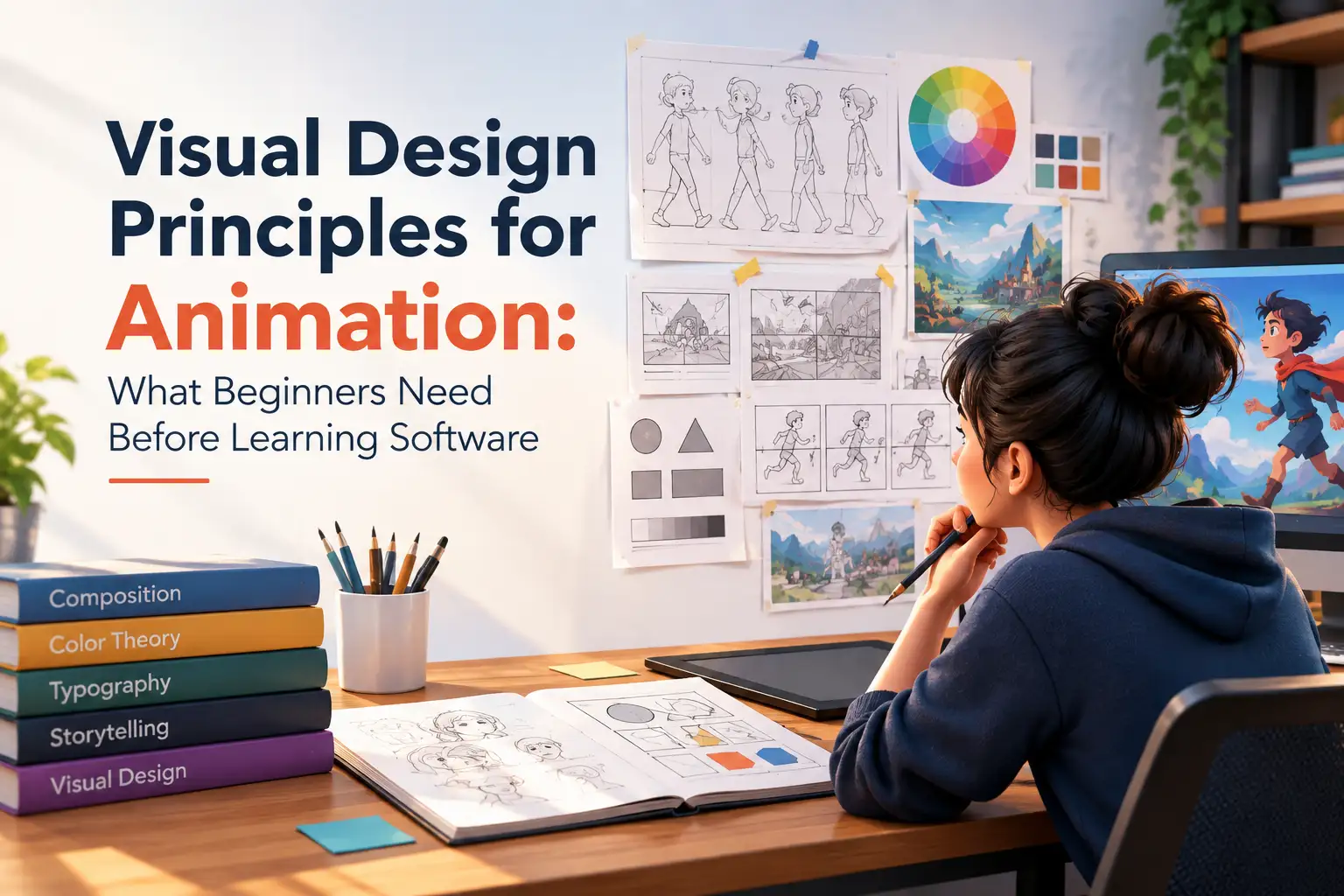
You can learn where the keyframe button is without knowing why a scene feels confusing. You can move a character, change colours and create camera movements, yet still struggle to make the viewer look at the right thing. That is where visual design principles matter. Animation software gives you control over visual elements, while design principles help determine what the viewer notices and how clearly a scene communicates its idea. These principles apply to 2D animation, 3D animation, motion graphics, and other visual media.
Every scene needs a clear focal point. Visual hierarchy helps viewers understand which elements deserve attention first, second and third.
Animation composition determines how visual elements relate to one another within a shot. Good composition helps create clarity while controlling the viewer’s attention.
Animation adds another layer because composition changes when the camera or subjects move. Camera placement, screen direction and spatial relationships can affect how viewers understand an action.
Contrast goes beyond simply using black and white. Animators can create separation through:
A character can stand out through a difference in value or colour, while an important object can attract attention through movement or stronger lighting. These visual design principles can help prevent every element from competing equally for attention.
Colour should support the story rather than simply making an animation look appealing. Knowledge of hue, value, saturation, colour harmony, and warm vs. cool colours will give you better control over visual communication.
Students exploring animation at a BA Animation and Graphic Design College in Ernakulam can strengthen these skills by studying how colour works across both static and moving visuals.
Definition of negative space is the area that surrounds visual elements. It provides breathing space for the subject and helps in avoiding overcrowding of the frame.
A simple background can sometimes communicate more effectively than one filled with unnecessary details.
Visual rhythm can emerge from repeated shapes, colours, patterns, spacing, camera changes and recurring visual elements.
Visual rhythm concerns how design elements create patterns across frames or shots, while animation timing controls the speed and duration of movement. Using both effectively can make motion feel organised and purposeful.
Staging is the way characters, objects, backgrounds, camera placement, and action are arranged so that the intended idea is communicated clearly.
A clear silhouette is particularly useful because viewers should be able to understand an important action without depending on excessive detail.
Static design and time-based design are not identical.
A still frame may work because its composition is balanced, its focal point is obvious and its hierarchy is clear. Once movement begins, however, the design changes.
Before focusing heavily on software, beginners can build a stronger foundation through simple exercises.
Exercise 1: Recreate a Simple Composition
Identify the focal point, hierarchy, balance and negative space.
Exercise 2: Create Three Colour Palettes
Test different moods, levels of contrast and readability.
Exercise 3: Analyse an Animation Frame
Ask:
Exercise 4: Create a Simple Storyboard
Plan the shot size, camera position, subject placement and visual emphasis.
Exercise 5: Compare Before and After
Change one design principle at a time and observe how the result changes.
|
Area |
Where Visual Design Appears |
|
2D Animation |
Character poses, backgrounds, colour and staging |
|
3D Animation |
Camera, lighting, environments and character composition |
|
Motion Graphics |
Typography, shapes, hierarchy, rhythm and layout |
|
VFX |
Integration, contrast, depth, lighting and visual consistency |
Beginners may learn tools such as Photoshop, Illustrator, Blender, Maya or After Effects. These applications can provide powerful creative control, but software cannot decide:
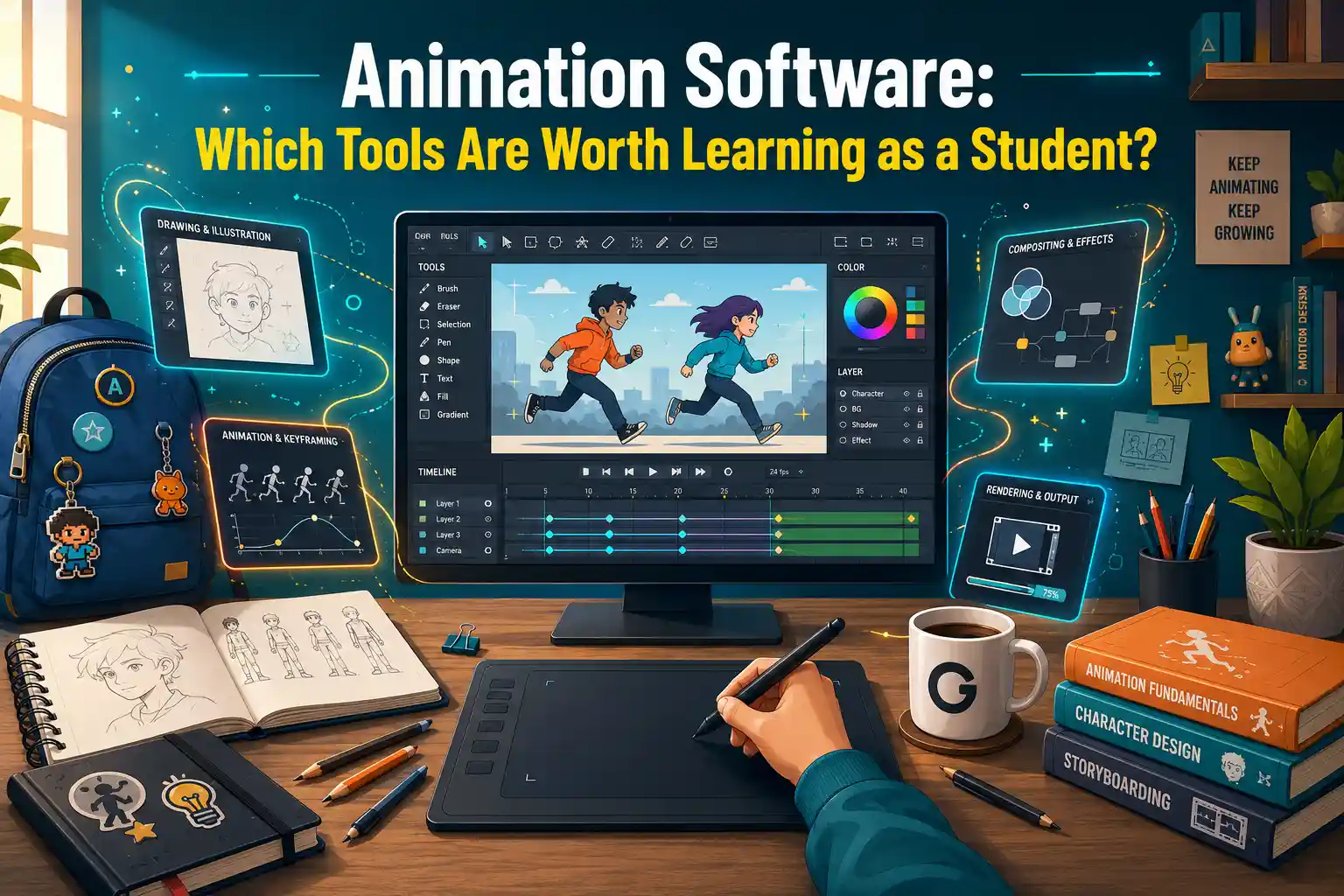
Once you understand these fundamentals, you can also explore which animation software is worth learning as a student and how different tools fit into an animation learning path.
You do not need to master animation software before learning how to see like a designer. Understanding hierarchy, composition, contrast, colour, space, rhythm and staging gives animation decisions a clear purpose. Once beginners understand these visual design principles and other basic principles of visual design, software becomes more powerful because they know what visual result they want to create rather than simply experimenting with tools. For students interested in animation and graphic design, building these fundamentals first can create a stronger foundation for creative work. Ready to build your animation and visual design fundamentals??
Explore animation and graphic design programmes at YMBC and develop your skills through structured learning and practical creative work.
Visual design principles are guidelines that help animators organise elements such as colour, composition, contrast, space and hierarchy to communicate ideas clearly.
They help control attention, improve visual clarity and make scenes easier for audiences to understand as characters, objects and cameras move.
Start with drawing, composition, colour, visual hierarchy, storytelling, staging and basic animation concepts. These skills make software easier to use purposefully.
Yes. Composition controls the placement and visual weight of elements within a shot and can change as characters or cameras move.
You do not need to become a graphic designer first, but understanding visual design elements and principles can strengthen your animation work.
Tags: Visual Design Principles, Animation Design, Animation Composition, Visual Hierarchy, Colour Theory, Contrast in Design, Negative Space, Visual Rhythm, Staging in Animation, 2D Animation, 3D Animation,
September 22, 2026
September 22, 2026
September 22, 2026
September 22, 2026
September 21, 2026
September 21, 2026

September 21, 2026
September 21, 2026
September 07, 2026
September 07, 2026
August 29, 2026

August 29, 2026
August 28, 2026
August 28, 2026

August 28, 2026
August 28, 2026
July 27, 2026
July 27, 2026
July 27, 2026
July 27, 2026

July 25, 2026

July 25, 2026

July 25, 2026
July 25, 2026
June 27, 2026
June 27, 2026
June 27, 2026

June 27, 2026
June 27, 2026
June 26, 2026