
- Email yeldocollegesmd@gmail.com
- CALL +91 98461 10506 +91 98468 77776
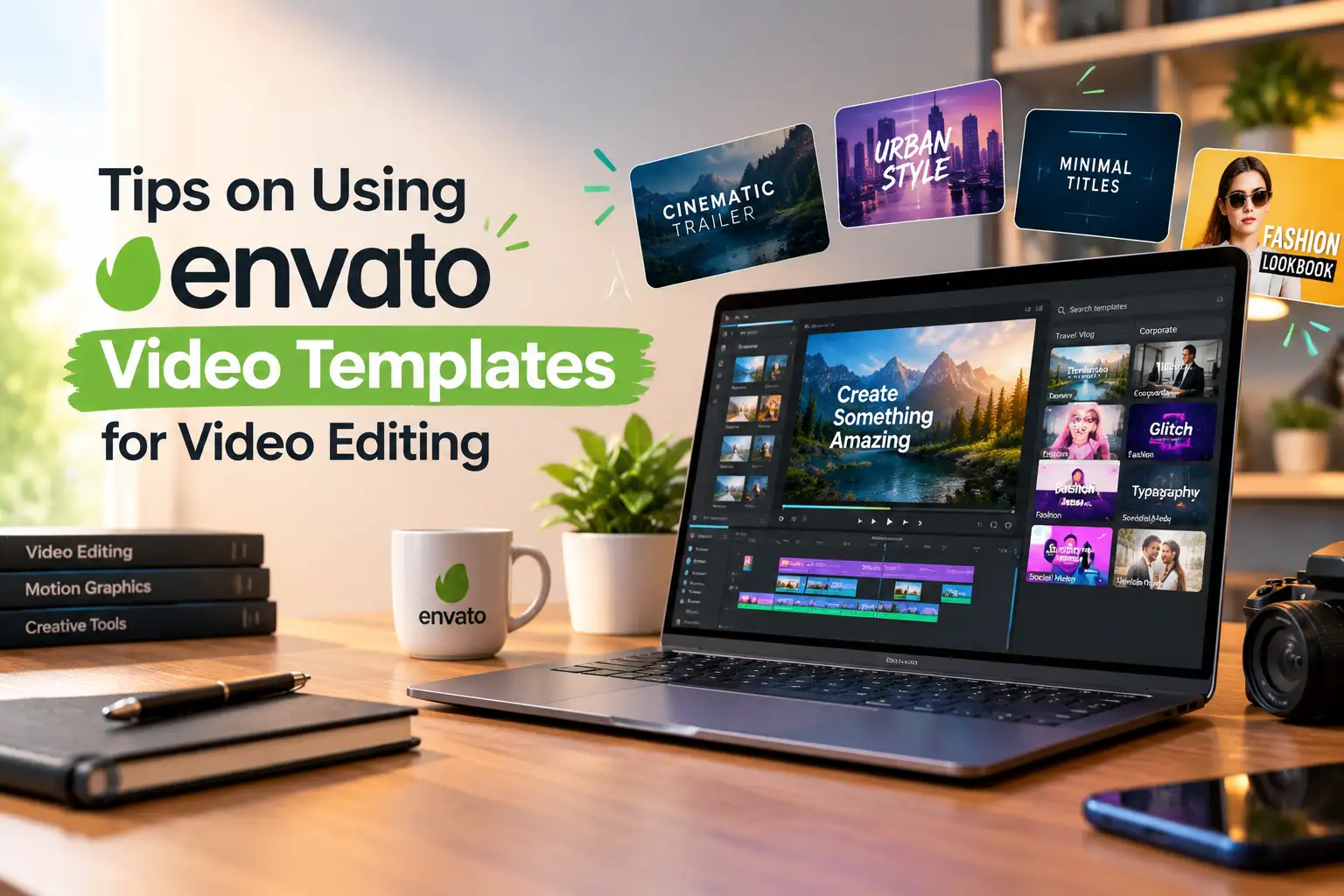
What You Will Learn in This Blog
Envato video templates are pre-designed project files and motion graphics assets that editors can customise to create polished videos with less repetitive work. Beginners and experienced editors can streamline their workflow by choosing a compatible template, preparing its required files, customising the available settings and exporting the finished video. However, some templates require additional setup, including compatible editing software, specific fonts, third-party plugins or replacement footage. Before downloading or purchasing a template, check these requirements to reduce compatibility issues and avoid unnecessary editing delays.
When choosing a template, check its software requirements before deciding based on appearance alone. Envato has several video editing templates for intros, promotional videos, social media videos, presentations, and motion graphics.
Consider these important factors:
Please read the item description, supported software version, and system requirements before downloading. A template preview is not a warranty of the project's compatibility with your software.
Additionally, see if the package comes with footage, music, fonts, and plugins, or if they have to be purchased separately. This guide will definitely be helpful to save your time and choose the right template.
When you know how to download Envato templates and how to organise them correctly, the editing process is easier. Follow these steps:
These preparation steps help you work with Envato video templates more efficiently and make future revisions easier.
To customize video templates effectively, open the project in compatible software and identify the editable layers, placeholders, and composition settings. The exact process depends on the template format.
Follow these practical steps:
Editable project templates provide access to elements such as layers and text, while flattened video overlays may offer only limited customisation. Text length, screen orientation, and aspect ratio can also affect the final appearance.
For example, a vertical social media video may require a different layout from a widescreen YouTube video. Learners exploring these techniques at a video editing college in Ernakulam can benefit from practicing with motion graphics templates and video intro templates while developing their own editing skills.
An Envato template not working correctly does not always mean the download is faulty. The issue may relate to missing files, software compatibility, or system performance.
Try these solutions:
These checks can help resolve common compatibility problems, missing-media errors and other issues when working with video templates. If the problem continues, consult the template author's documentation and the editing software's official support resources.
Before you export video for YouTube or another video hosting site, look through the entire timeline and make sure that your project is ready to go.
Before exporting, check the following:
MP4 + H.264 is one of the most popular formats for streaming online videos, though the settings chosen for the export should be in line with the platform recommendation and your project needs.
It's important to check the relevant Envato video template license prior to using an asset. Licensing may vary for other Envato marketplaces, such as Envato Elements. As per the provisions, assets can be utilised in permitted commercial video editing projects, depending upon the relevant license conditions.
Envato video templates can reduce repetitive editing work and help maintain a consistent visual style. However, choosing compatible files, customising the design and checking the licence remain essential parts of the workflow. Look to templates for inspiration, but not solely pre-designed effects. Through regular practice, you can enhance your technical expertise, build better visual storytelling, and create more unique video content. To pursue a career in video editing, consider hands-on learning and understand how video editors use templates, creativity, and storytelling to make videos effective.
Ready to build your video editing skills? Develop your editing skills with practical training at Yeldo Mar Baselios College.
Video templates from Envato are used by editors for creating animated titles, logo reveals, promotional videos, social media videos, video transitions, and more. They streamline the process of creating each visual component.
Yes, as long as the asset is downloaded to be compatible with the software and version. Do not assume that the same template works in both Premiere Pro and DaVinci Resolve; please read the item description before downloading.
Yes. Many templates include editable placeholders or instructions that help beginners get started. Begin with a simple template, practise replacing footage and text, adjust the colours, and export a short video before attempting more complex projects.
Envato video templates can be used in eligible commercial projects, subject to the applicable licence. The terms depend on whether you obtained the asset through Envato Elements or Envato Market and how you intend to distribute the finished video. Check the specific licence before using the template.
Tags: Envato Video Templates Video Editing Motion Graphics After Effects Templates Premiere Pro Templates DaVinci Resolve Video Editing Tips Video Editing for Beginners Video Transitions Video Production
October 28, 2026
October 28, 2026

October 28, 2026
October 27, 2026

October 27, 2026
October 27, 2026
October 27, 2026
October 26, 2026
September 22, 2026
September 22, 2026
September 22, 2026
September 22, 2026
September 21, 2026
September 21, 2026

September 21, 2026
September 21, 2026
September 07, 2026
September 07, 2026
August 29, 2026

August 29, 2026
August 28, 2026
August 28, 2026

August 28, 2026
August 28, 2026

July 27, 2026
July 27, 2026

July 27, 2026
July 27, 2026

July 25, 2026

July 25, 2026